
TL;DR
Nano Banana 2 is an AI image generation platform that lets you create, edit, and transform images using text prompts and reference photos. It combines a Prompt Generator, Text-to-Image, Image-to-Image, and Video Generator into one workspace — no design skills required. Whether you need marketing visuals, social media content, product photography, or concept art, Nano Banana 2 handles the entire creative pipeline from idea to finished visual. Free credits are included when you sign up, so you can start creating immediately.
Start creating for free → | Try Text-to-Image → | Generate perfect prompts →
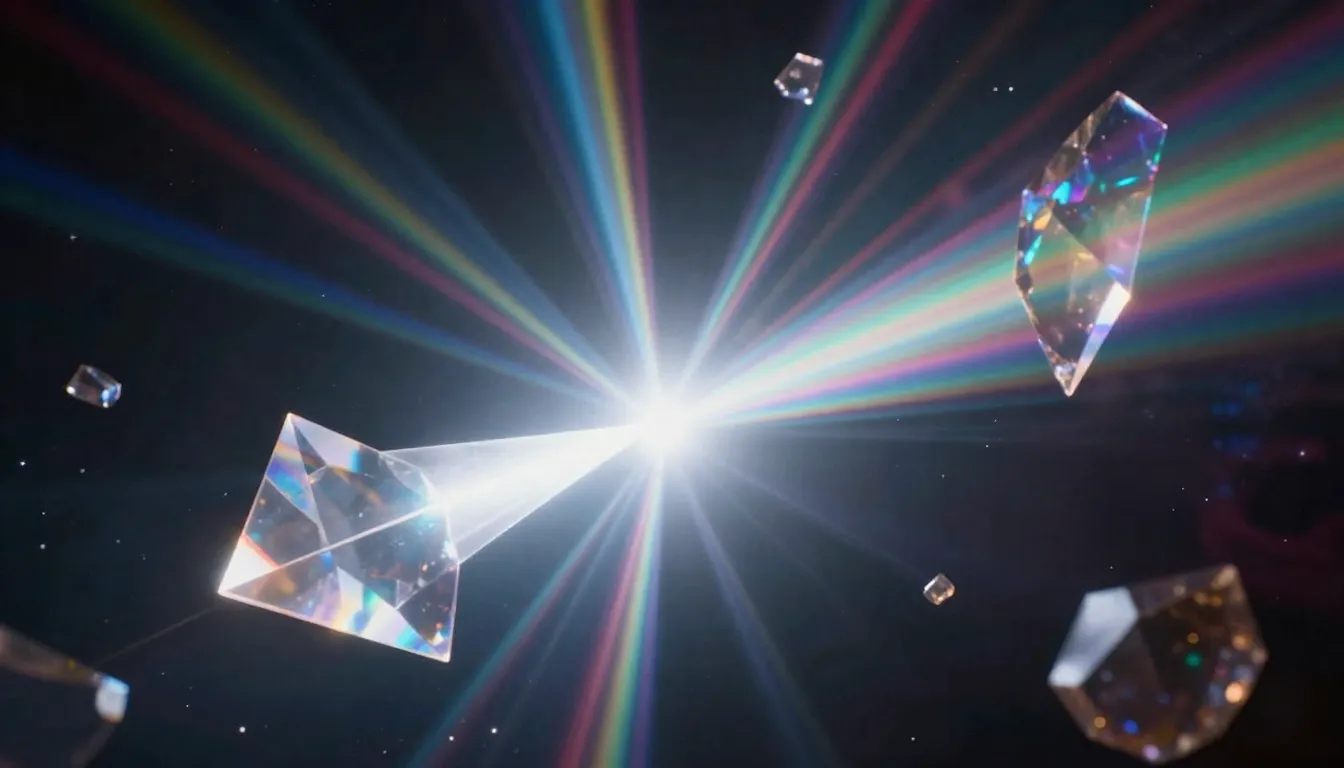
Nano Banana 2 transforms your ideas into professional-quality visuals — from text descriptions to stunning AI-generated images and videos.
What Is Nano Banana 2?
If you have ever wanted to create professional-quality images without learning Photoshop, hiring a designer, or spending hours searching stock photo libraries, Nano Banana 2 is built for exactly that problem.
Nano Banana 2 is an AI-powered image generation platform at nanobanana2app.com that turns text descriptions into high-quality visuals, transforms existing photos into new styles, and provides intelligent editing capabilities — all through an intuitive web interface. Think of it as having a creative studio, a photo editor, and a design assistant combined into a single tool that responds to plain language instructions.
The platform supports three primary creation modes. Text-to-Image generates original images from written descriptions — describe a sunset over a mountain lake and the AI creates it. Image-to-Image takes a photo you upload and transforms it — change the art style, adjust the mood, create variations, or apply creative effects while preserving the core composition. AI image editing provides targeted modifications — enhance resolution, adjust lighting, refine details, or alter specific elements of an image.
What sets Nano Banana 2 apart from standalone AI image generators is that it is not just one tool. It is an integrated creative platform. The Prompt Generator helps you write better prompts that produce better images. The Image Generator creates the visuals. The Image-to-Image tool refines and transforms them. And the Video Generator can animate your best images into dynamic video clips. Each tool feeds into the next, creating a seamless pipeline from initial concept to finished content.
The vision behind Nano Banana 2 is straightforward: professional visual creation should be accessible to everyone, regardless of technical skill or artistic training. A small business owner should be able to create product visuals that compete with images from a professional photo studio. A content creator should be able to produce scroll-stopping social media graphics without a design degree. A marketer should be able to visualize campaign concepts in minutes rather than weeks.
This is not hypothetical. Nano Banana 2 is a working platform used daily by designers, photographers, e-commerce sellers, content creators, and marketers to produce real creative work.
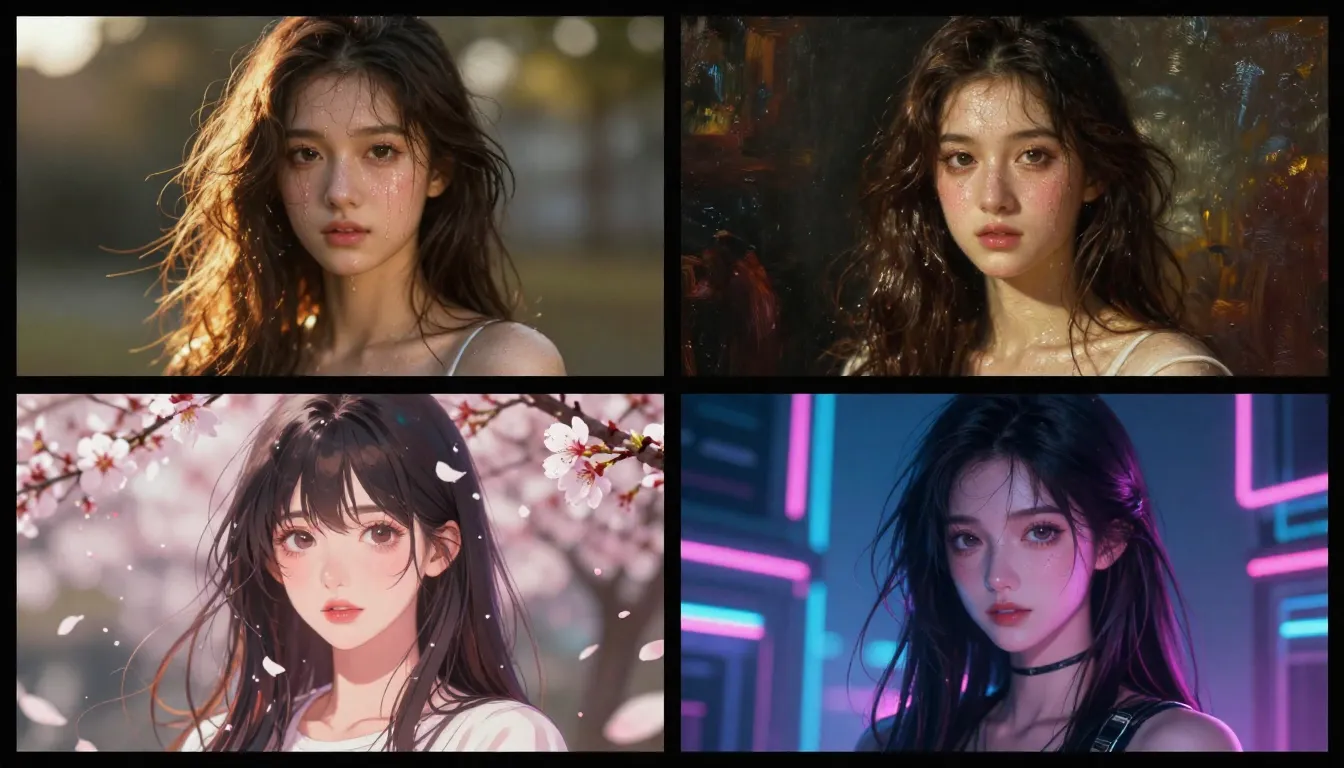
One platform, endless styles — Nano Banana 2 generates images across photorealistic, illustrated, painterly, and abstract aesthetics.
Nano Banana 2 Core Features
Nano Banana AI technology powers five interconnected tools within Nano Banana 2, each designed for a specific stage of the creative process. Here is what each one does, how it works, and where it fits into a typical workflow.
Text to Image: Describe It, Generate It
The Text-to-Image tool is the heart of Nano Banana 2. You write a description of the image you want — as simple as "a cat sitting on a windowsill at sunset" or as detailed as a multi-sentence prompt specifying composition, lighting, color palette, and mood — and the AI generates a high-quality image matching your description.
The platform supports over 12 distinct art styles, giving you control over the visual aesthetic of every generation. Photorealistic for product shots and portrait photography. Digital illustration for social media graphics and blog headers. Anime and manga styles for character design and fan art. Watercolor, oil painting, and concept art styles for artistic and editorial work. Flat design and vector aesthetics for marketing materials and UI mockups.
Style selection is not just a cosmetic filter applied after generation — it fundamentally shapes how the AI interprets and renders your prompt. The same description produces dramatically different results across styles, which means you can explore multiple visual directions from a single idea without rewriting your prompt.
For most users, Text-to-Image is where every project starts. You have an idea, you describe it, and within seconds you have a visual to work with. From there, you can refine with Image-to-Image, enhance with editing tools, or animate with the Video Generator. But it all begins with a text prompt and a generated image.
Image to Image: Upload, Transform, Reimagine
Where Text-to-Image creates from scratch, Image-to-Image starts with something that already exists. Upload a photo — your own photograph, a product image, a sketch, or a previously generated image — and describe how you want it transformed. The AI preserves the core composition and subject while applying the changes you specify.
The practical applications are broad. Style transfer takes a photograph and renders it in a completely different artistic style — turn a casual phone photo into an oil painting, a watercolor illustration, or a cyberpunk-themed digital artwork. Creative variations generate multiple interpretations of the same source image, each with different moods, color palettes, or artistic treatments. Enhancement and editing improves image quality, adjusts lighting, corrects colors, or modifies specific elements while keeping the rest of the image intact.
Image-to-Image is particularly powerful for professional workflows. A photographer can explore how a portrait would look in different artistic treatments before committing to a specific editing direction. An e-commerce seller can take a basic product photo and generate multiple stylized versions for different marketing channels. A social media manager can create a cohesive series of branded images from a single source photo.
The control you have is significant. By adjusting the transformation strength, you decide how far the output deviates from the original — low strength preserves most of the source image with subtle stylistic changes, while high strength allows the AI to reimagine the image more dramatically. This granular control makes Image-to-Image useful for both subtle refinements and bold creative explorations.
For a deep dive into Image-to-Image techniques and workflows, see our Nano Banana 2 Image Editing Guide.
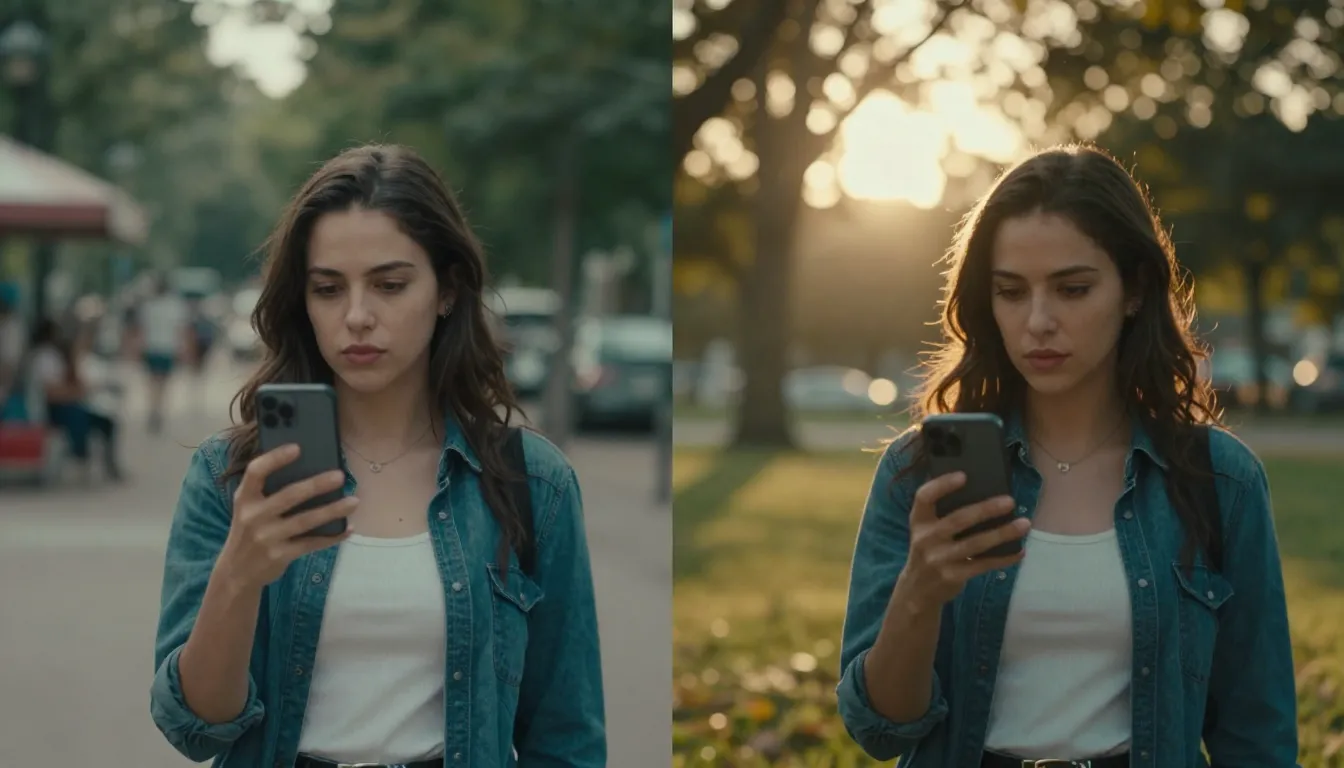
Nano Banana 2 image editing transforms existing photos through AI-powered style transfer — preserving composition while completely reimagining the visual aesthetic.
AI Image Editing: Precision Without the Learning Curve
Traditional photo editing requires mastering complex software — layer masks, adjustment curves, blend modes, frequency separation. The learning curve is steep, and even experienced editors spend significant time on repetitive tasks. Nano Banana 2's AI editing capabilities compress this process into simple text instructions.
Need to adjust lighting in a portrait? Describe the change you want. Want to enhance the detail and resolution of an image? Select the enhancement option. Need to modify the color palette to match your brand? Specify the target colors. The AI handles the technical execution while you focus on the creative direction.
This is not a replacement for professional photo editing software — Photoshop and Lightroom still have their place for highly specific, pixel-level work. But for 80% of the editing tasks most creators face, Nano Banana image editing is faster, easier, and produces results that are indistinguishable from manual editing. The time savings are substantial: what takes 30 minutes in Photoshop takes 30 seconds with Nano Banana 2.
The editing capabilities integrate naturally with the rest of the platform. Generate an image with Text-to-Image, refine it with Image-to-Image, apply targeted edits, and the result is a polished visual that required no external software and no specialized editing skills.
Prompt Generator: From Vague Ideas to Professional Prompts
The quality of an AI-generated image is directly proportional to the quality of the prompt that describes it. This is a fundamental reality of AI image generation — vague prompts produce vague images, and detailed prompts produce detailed images. The problem is that writing effective prompts is itself a skill, and most people dramatically underspecify what they want.
Nano Banana 2's Prompt Generator solves this by transforming your casual, brief descriptions into comprehensive, structured prompts optimized for AI image generation. You provide a simple input — "a cozy cafe in autumn" — and the Prompt Generator expands it into a detailed prompt covering seven key dimensions: subject, composition, lighting, color palette, mood, style, and technical quality.
This is not just adding more words. The Prompt Generator understands what kinds of descriptive details produce the best AI image outputs and structures your prompt to include them in the right order and format. The result is consistently higher-quality images with less trial and error.
For anyone who has ever stared at a text box wondering how to describe the image in their head, the Prompt Generator is the most immediately useful tool on the platform. It bridges the gap between "I know what I want" and "I can describe it in a way the AI understands."
Video Generation: Bring Your Images to Life
While Nano Banana 2's core focus is image generation and editing, the platform also includes video generation capabilities that extend the creative pipeline beyond static visuals.
Image-to-Video takes a generated or uploaded image and animates it — adding camera movement, subject motion, and atmospheric effects to create short video clips. This is particularly powerful when combined with the image tools: generate a perfect still image, then bring it to life with subtle motion that turns it into eye-catching video content for social media, advertising, or creative projects.
Text-to-Video generates video directly from text descriptions, useful for quick concept visualization and social media content where you need motion but do not need to start from a specific image.
Video generation is a natural extension of the image workflow. The same prompting skills, style preferences, and creative instincts that produce great images apply directly to video. And because everything happens within the same platform, there is no file management overhead — your generated image can become an animated video with a few clicks.
For more on Nano Banana 2's video capabilities, see our detailed guides on Image-to-Video and Text-to-Video.
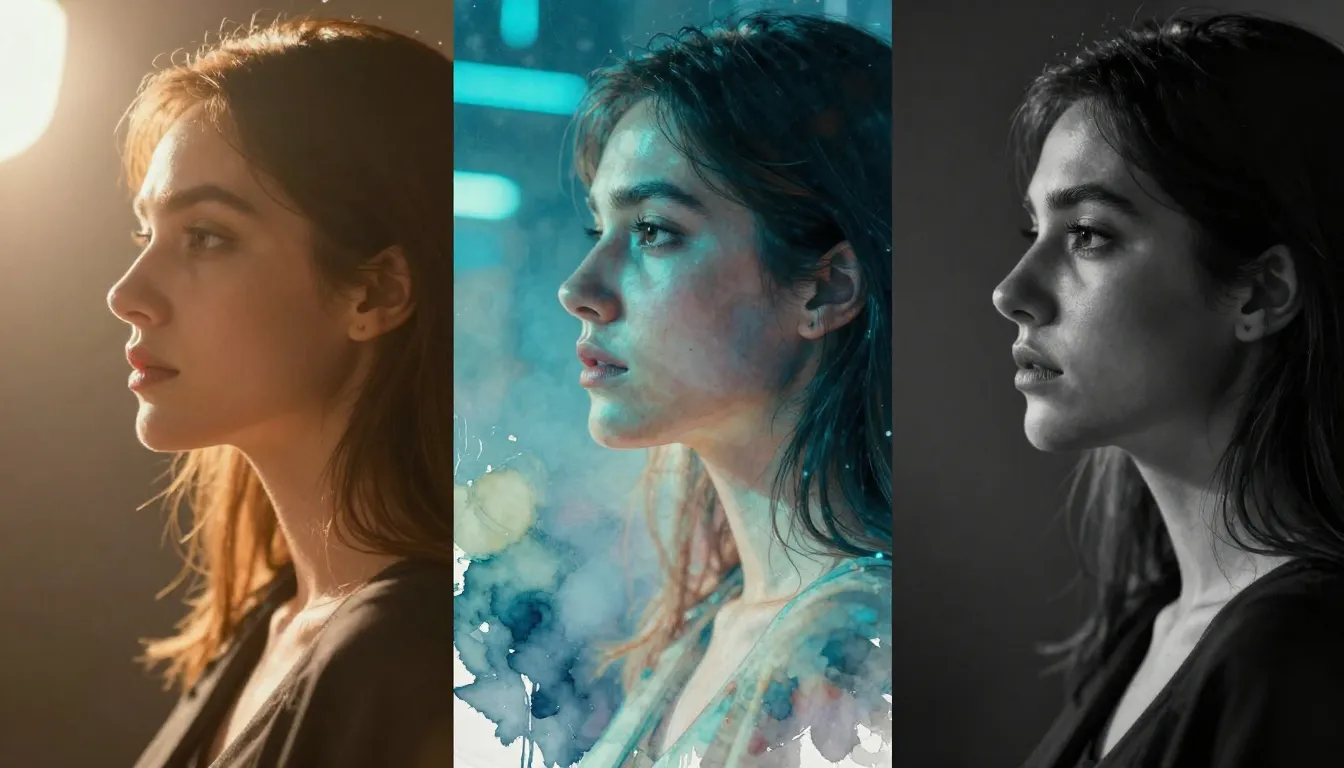
The same prompt, four different styles — Nano Banana 2 gives you creative control over the visual direction of every image you generate.
How Nano Banana 2 Works: Under the Hood
You do not need to understand the technical details to use Nano Banana 2 effectively — the platform is designed to abstract away the complexity. But if you are curious about what happens between typing a prompt and seeing a generated image, here is a brief overview.
The Diffusion Model Architecture
The Nano Banana AI engine powering Nano Banana 2 uses diffusion models, the same class of architecture behind all leading image generators in 2026. At a high level, diffusion models work through a two-phase process.
During training, the model learns by gradually adding noise to millions of images until they become pure static, then learning to reverse this process — predicting how to remove noise step by step to recover the original image. Through this training, the model develops an understanding of visual concepts: what objects look like, how light behaves, how colors interact, how textures feel, and how compositions work.
During generation, the process runs in reverse. Starting from random noise, the model progressively removes noise according to the guidance of your text prompt. Each step refines the image — first establishing rough shapes and color masses, then adding structure and detail, then fine-tuning textures and nuances. The text prompt acts as a guide, steering each denoising step toward an image that matches your description.
This is fundamentally different from how traditional image editing software works. Photoshop manipulates existing pixels through mathematical transformations — adjusting brightness, shifting hues, applying geometric transforms. The AI model is not manipulating pixels. It is generating entirely new visual content based on learned visual knowledge, guided by natural language. This is why it can create images that do not exist and have never existed — it is synthesizing new visuals from its understanding of how images work.
Why Prompts Matter So Much
Because the text prompt is the steering mechanism for the entire denoising process, the specificity and clarity of your prompt directly determines the quality and relevance of the output. A prompt that says "mountain" gives the model very little steering — it could produce any mountain in any style. A prompt that says "snow-capped mountain peak at golden hour, dramatic side-lighting, wispy clouds catching orange sunlight, alpine meadow in foreground with wildflowers, photorealistic" gives the model precise guidance at every denoising step.
This is why the Prompt Generator is such a valuable tool. It ensures your prompts contain the right kind of detail — the specific descriptors that give the diffusion model clear, actionable guidance throughout the generation process.
Who Is Nano Banana 2 For?
Nano Banana 2 is a general-purpose creative platform, but certain groups derive particularly high value from its capabilities. Here is who uses it and how.
Graphic Designers and Illustrators
Professional designers use Nano Banana 2 as a rapid ideation tool. Instead of spending hours on initial concept sketches, they generate multiple visual directions in minutes, then refine the strongest concept through traditional design workflows. The AI handles the exploratory, time-consuming early phase of creative projects, freeing designers to focus on what they do best — refining, composing, and polishing final deliverables. Common use cases include mood board generation, color palette exploration, conceptual layout variations, and client presentation mockups.
Photographers
Photographers use Nano Banana 2 primarily through the Image-to-Image workflow. They upload existing photographs and explore alternative artistic treatments — how would this portrait look as a Renaissance painting? What would this landscape look like in a different season or time of day? The platform extends a photographer's creative range without requiring them to learn digital painting or illustration software. It is also useful for pre-visualization: generating concept images that show a client the intended look and feel of a shoot before any photos are taken.
E-Commerce Sellers and Product Marketers
This is one of the highest-ROI use cases for Nano Banana 2. E-commerce sellers need product visuals constantly — hero images for listings, lifestyle shots for advertising, seasonal variations for promotions, and platform-specific formats for Amazon, Shopify, Instagram Shopping, and other channels. Professional product photography is expensive and time-consuming to produce. Nano Banana 2 lets sellers generate high-quality product visuals, create lifestyle contexts for their products, and produce marketing graphics at a fraction of the traditional cost and turnaround time.
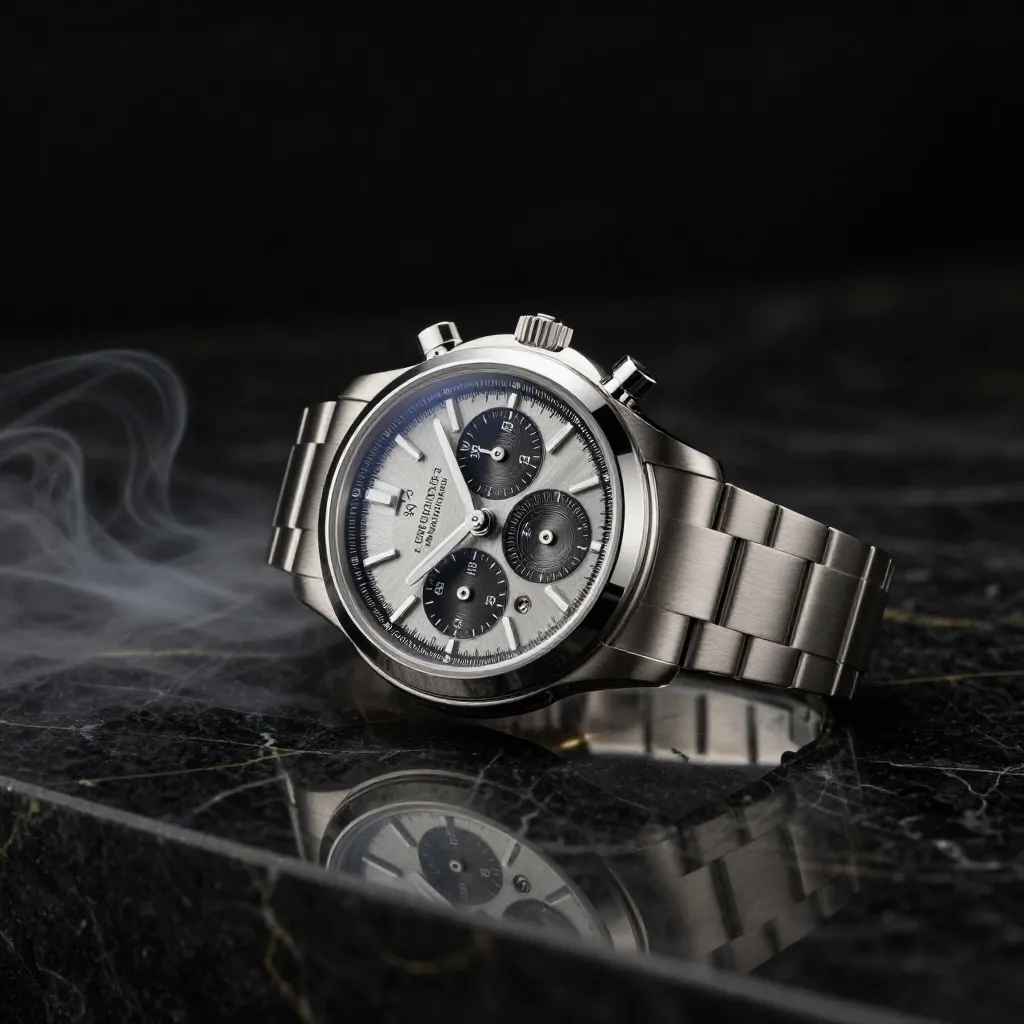
Nano Banana 2 generates product visuals at professional photography quality — ideal for e-commerce listings, advertising campaigns, and brand marketing.
Content Creators and Bloggers
Blog writers, newsletter authors, podcast producers, and online course creators all need visual content to support their work. Custom images perform significantly better than generic stock photos — higher engagement, better brand recognition, and stronger reader retention. Nano Banana 2 lets content creators produce unique, on-brand visuals for every piece of content they publish. No more scrolling through stock photo libraries hoping to find something that vaguely matches your topic.
Social Media Managers
Social media is a volume game. Managers running brand accounts across multiple platforms need fresh visual content daily — sometimes multiple posts per day across Instagram, TikTok, Twitter/X, LinkedIn, Pinterest, and Facebook. Each platform has its own optimal image dimensions, aesthetic expectations, and content styles. Nano Banana 2's ability to rapidly generate platform-specific visuals in multiple styles makes it an essential tool for maintaining a consistent, high-quality posting schedule without burning out the creative team.
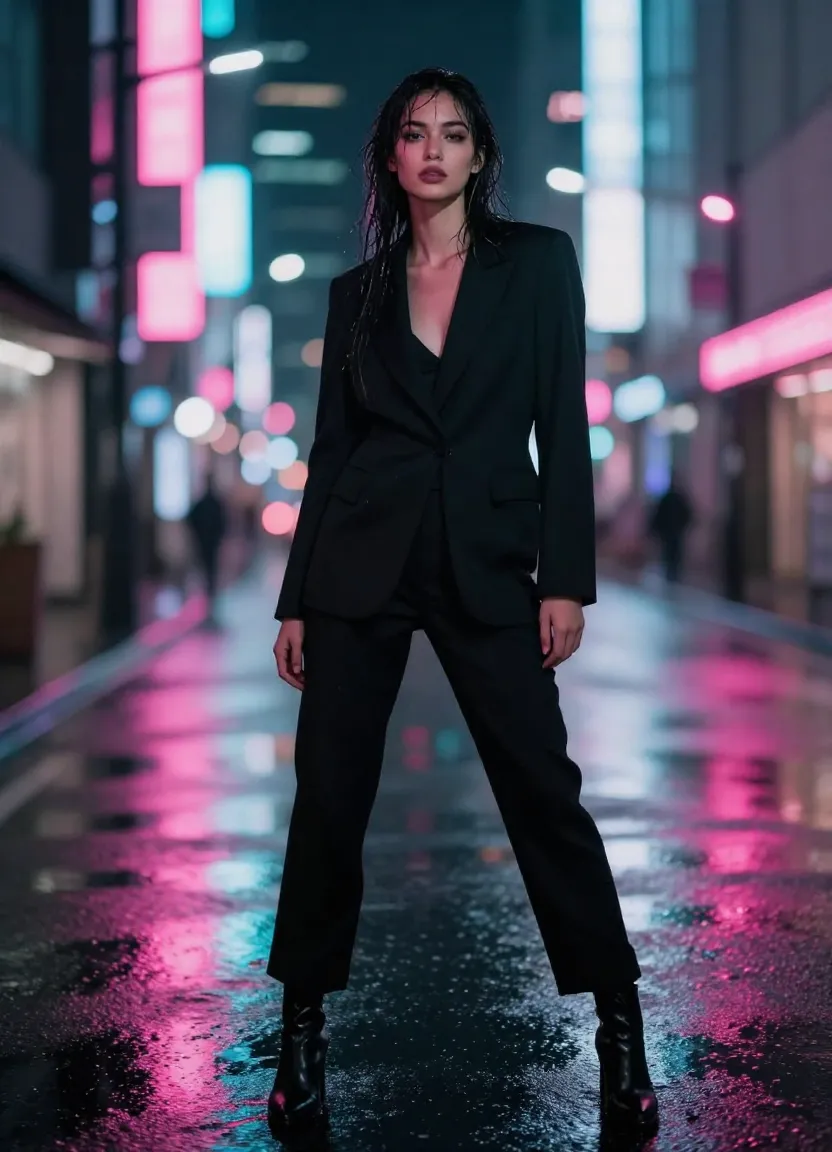
Scroll-stopping social media content generated in seconds — Nano Banana 2 helps social media managers maintain a high-quality visual posting cadence across all platforms.
Nano Banana 2 Free vs. Pro: Quick Overview
One of the most common questions is: is Nano Banana 2 free to use? The answer is yes — with some practical limits.
When you create a Nano Banana 2 account, you receive free credits that let you explore every feature on the platform. Text-to-Image, Image-to-Image, Prompt Generator, and Video Generation are all available with your free credits. There is no feature gating — free users have access to the same tools, styles, and quality as paid users.
The free credits are designed to give you a genuine, substantive experience with the platform — not just a teaser. You can generate dozens of images, experiment with different styles, try the Prompt Generator, and even create video clips before deciding whether to upgrade.
For users who need higher volume — professional designers producing client work, e-commerce sellers generating product visuals regularly, or social media managers creating daily content — Pro plans provide significantly more credits at a lower per-credit cost. Pro plans also include priority generation, higher resolution options, and dedicated support.
Here is a simplified comparison:
| Feature | Free | Pro |
|---|---|---|
| Text-to-Image | ✓ | ✓ |
| Image-to-Image | ✓ | ✓ |
| Prompt Generator | ✓ | ✓ |
| Video Generation | ✓ | ✓ |
| All art styles | ✓ | ✓ |
| Free credits on signup | ✓ | ✓ |
| Higher credit volume | — | ✓ |
| Priority generation | — | ✓ |
| Lower per-credit cost | — | ✓ |
For a detailed breakdown of pricing, credit costs per tool, and plan comparisons, see our Nano Banana 2 Free & Pricing Guide.
How to Get Started with Nano Banana 2
Getting started takes less than two minutes. Here is the fastest path from signup to your first generated image.
Step 1: Create your account. Visit nanobanana2app.com and sign up. You will receive free credits immediately — no credit card required.
Step 2: Try the Prompt Generator. Head to the Image Prompt Generator and type a brief description of what you want to create. Even a few words work — "a sunset over the ocean" or "futuristic city at night." The Prompt Generator will expand your description into a detailed, optimized prompt.
Step 3: Generate your first image. Copy the generated prompt into the Text-to-Image tool, select an art style that matches your vision, choose your aspect ratio, and generate. Your first AI image will be ready in seconds.
Step 4: Experiment. Try different styles with the same prompt. Upload your own photos to Image-to-Image. Adjust prompts and regenerate. The best way to learn what Nano Banana 2 can do is to explore — and your free credits give you plenty of room to experiment.
For a comprehensive walkthrough of every feature with tips and examples, see our How to Use Nano Banana 2 Guide.
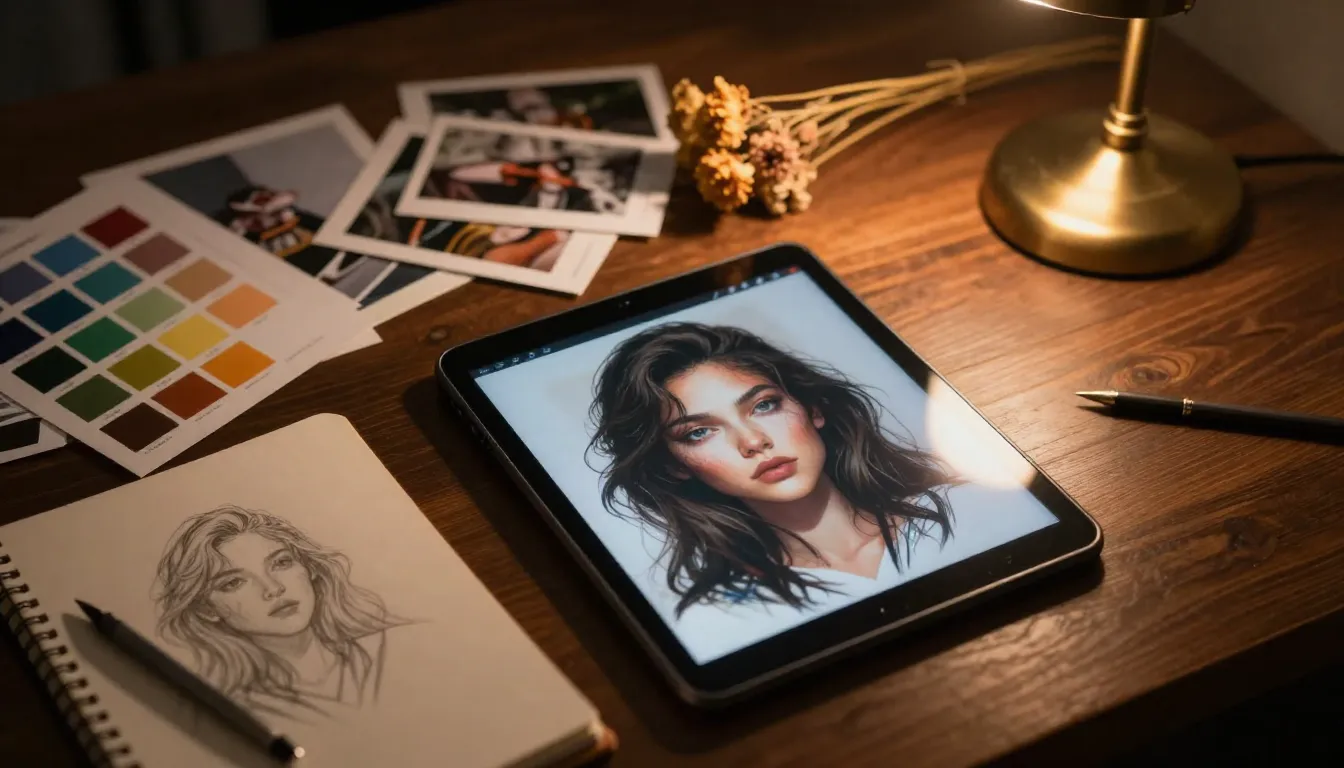
From idea to finished visual in minutes — Nano Banana 2 streamlines the entire creative process into a single, intuitive workspace.
Real-World Examples: What People Create with Nano Banana 2
Understanding what an AI image generator can do in theory is one thing. Seeing what people actually create with it is another. Here are the most common categories of work produced on the Nano Banana 2 platform.
Marketing and Advertising Visuals
Brand campaigns, social media ad creatives, email header graphics, landing page hero images, and promotional banner designs. Marketers use Nano Banana 2 to produce on-brand visuals at the speed their campaigns demand. Instead of waiting days for a design team to produce campaign assets, they generate concepts in minutes, iterate in real time, and launch faster.
Product Photography Alternatives
E-commerce listings, catalog images, lifestyle product shots, and seasonal promotional visuals. For products that are difficult or expensive to photograph — large items, items not yet manufactured, or items that need to be shown in elaborate lifestyle settings — AI-generated product visuals provide a practical, cost-effective alternative.
Editorial and Blog Illustrations
Custom article headers, explanatory diagrams, concept illustrations, and visual metaphors that enhance written content. Generic stock photos weaken editorial credibility; custom AI-generated illustrations strengthen it by showing readers visuals that were specifically created for the content they are reading.
Concept Art and Creative Exploration
Character designs, environment concepts, mood boards, and visual development for creative projects. Artists and creative directors use Nano Banana 2 to explore visual directions quickly, generating dozens of variations before committing to a specific creative path.
Social Media Content at Scale
Daily Instagram posts, story graphics, Pinterest pins, Twitter/X visual content, and TikTok thumbnail covers. The volume requirements of modern social media make traditional design workflows unsustainable for most teams. Nano Banana 2 makes it practical to maintain a high posting frequency with unique, high-quality visuals.
For a gallery of examples and the prompts that created them, see our Nano Banana 2 AI Image Examples.
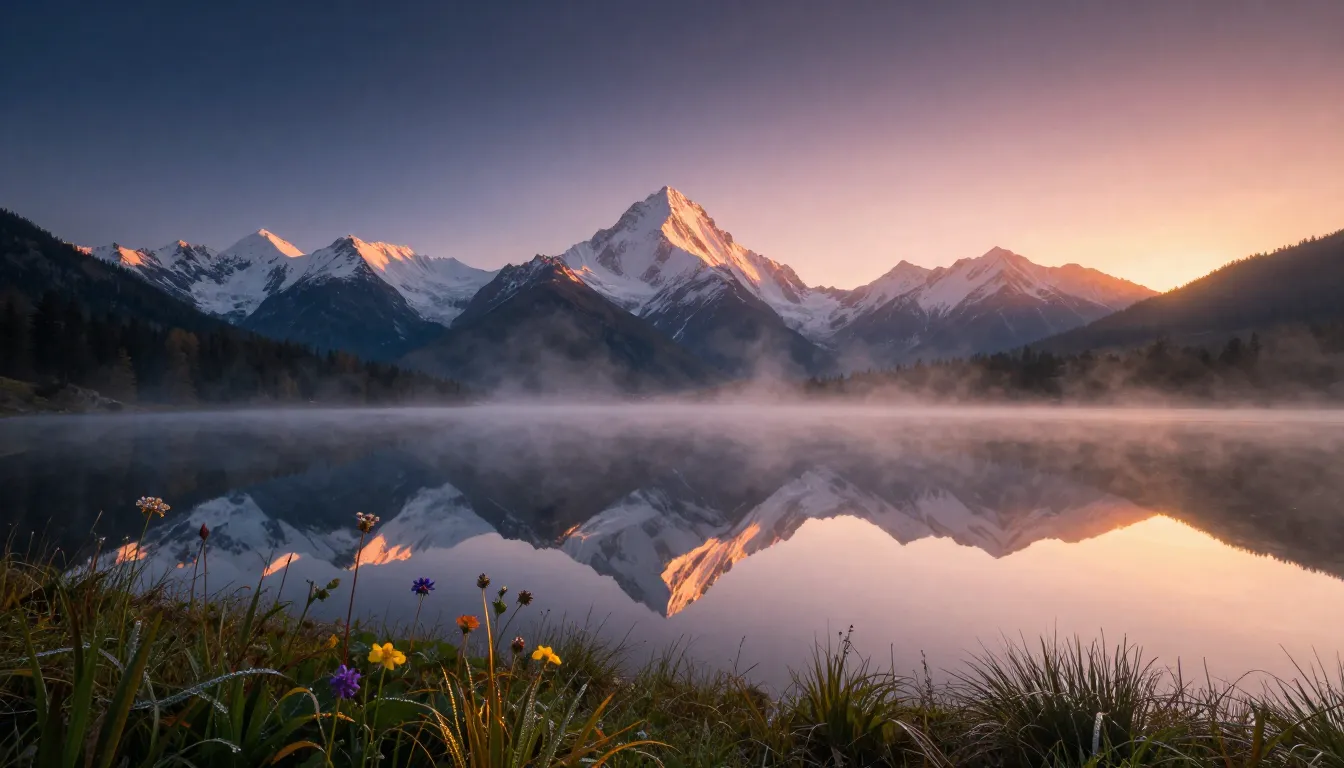
From photorealistic landscapes to stylized illustrations — Nano Banana 2 handles every visual genre with professional-quality output.
Nano Banana 2 vs. Other AI Image Generators
The AI image generation landscape in 2026 includes several capable platforms. Here is how Nano Banana 2 fits in and where it differentiates.
Midjourney is known for its artistic quality and distinctive aesthetic. It excels at producing visually striking images with a particular stylized look. However, Midjourney operates primarily through Discord, which creates a fragmented workflow — you generate images in one platform, download them, and use them in another. Nano Banana 2 integrates generation, editing, prompt optimization, and video creation in a single web-based workspace.
DALL-E (via ChatGPT) offers conversational image generation tightly integrated with a chat interface. It is convenient for casual use but lacks the specialized tools — Prompt Generator, Image-to-Image, style controls, and video generation — that professional creative workflows demand.
Stable Diffusion provides open-source flexibility with maximum customization through community models and fine-tuning. The trade-off is complexity — setting it up locally requires technical knowledge, and the learning curve is steep. Nano Banana 2 delivers comparable output quality through a zero-setup web interface.
The core differentiator for Nano Banana 2 is not that any single tool is categorically better than every competitor. It is that the entire creative pipeline — prompt generation, image creation, image editing, style transfer, and video animation — lives in one place. You do not need to switch between platforms, manage file transfers, or maintain accounts across multiple services. The friction reduction compounds across every project.
Frequently Asked Questions
What is Nano Banana 2?
Nano Banana 2 is an AI image generation and editing platform available at nanobanana2app.com. It provides a suite of interconnected creative tools — Text-to-Image, Image-to-Image, Prompt Generator, and Video Generator — that let anyone create professional-quality visuals from text descriptions or reference images. The platform supports over 12 art styles, multiple aspect ratios, and provides AI-powered editing capabilities. It is designed for designers, photographers, marketers, e-commerce sellers, content creators, and anyone who needs visual content but does not necessarily have traditional design skills.
Is Nano Banana 2 free to use?
Yes, Nano Banana 2 offers free credits when you create an account, and no credit card is required to sign up. These free credits let you access every feature on the platform — Text-to-Image, Image-to-Image, Prompt Generator, and Video Generation — with the same quality and style options available to paid users. The free credits are designed to give you a meaningful creative experience, not just a limited preview. For ongoing professional use, Pro plans provide higher credit volumes at reduced per-credit pricing. See the pricing guide for full details.
What can I create with Nano Banana 2?
The platform supports an extensive range of visual content: marketing graphics, social media posts, product photography alternatives, blog illustrations, concept art, character designs, landscape art, portraits, abstract compositions, editorial imagery, logo concepts, mood boards, and more. Any image you can describe in words, Nano Banana 2 can generate. You can also use Nano Banana image editing to transform existing photos through style transfer, create variations of images, enhance image quality, and animate still images into short video clips. For examples across these categories, see our AI Image Examples gallery.
How is Nano Banana 2 different from Midjourney?
The primary difference is workflow integration. Midjourney generates images through Discord, which means your creative process is split across multiple platforms — you generate in Discord, download files, upload to editing tools, and manage assets manually. Nano Banana 2 combines prompt generation, image creation, image-to-image transformation, and video generation in a single web-based platform. Your generated images can be refined, edited, and animated without leaving the workspace. Additionally, Nano Banana 2 includes a Prompt Generator that helps write optimized prompts — a feature Midjourney does not offer natively. Both platforms produce high-quality output, but Nano Banana 2 prioritizes end-to-end creative workflow efficiency.
Does Nano Banana 2 support video generation?
Yes. Nano Banana 2 includes both Image-to-Video and Text-to-Video generation capabilities. Image-to-Video is particularly powerful in combination with the image tools — generate a perfect still image, then animate it with camera motion, subject movement, and atmospheric effects. This creates a complete pipeline from text prompt to static image to dynamic video, all within the same platform. Video generation consumes credits separately from image generation. For detailed guides on video capabilities, visit our Image-to-Video and Text-to-Video pages.
What image styles does Nano Banana 2 support?
Nano Banana 2 supports over 12 distinct art styles including Photorealistic, Digital Art, Anime/Manga, Watercolor, Oil Painting, Concept Art, Flat Design/Vector, Pixel Art, Pencil Sketch, Art Nouveau, Cyberpunk, and Fantasy Illustration. Style selection is not a post-processing filter — it fundamentally shapes how the AI interprets and renders your prompt, producing genuinely different visual approaches to the same subject. You can generate the same prompt across multiple styles to explore different creative directions before committing to one. The style library is regularly updated with new options based on emerging visual trends and user requests.
Can I use Nano Banana 2 for commercial purposes?
Yes, images generated on Nano Banana 2 can be used for commercial purposes including marketing materials, product listings, social media advertising, editorial content, client deliverables, and brand assets, subject to the platform's terms of service. There are no additional licensing fees for commercial use beyond your plan's credit costs. As with any AI-generated content, you should be transparent about AI usage where relevant and ensure your generated content complies with the intellectual property standards and disclosure requirements applicable to your industry and platforms. For full details, see our Terms of Service.
Does Nano Banana 2 have an API?
Nano Banana 2 is primarily designed as a web-based creative platform with a visual interface optimized for interactive creative work. For developers and teams interested in programmatic access to AI image generation capabilities, the platform's documentation covers available integration options. The web interface remains the recommended approach for most creative workflows, as it provides real-time preview, style selection, prompt optimization through the Prompt Generator, and iterative refinement capabilities that are difficult to replicate through API calls alone. Visit our documentation for the latest information on available integrations.
Start Creating with Nano Banana 2
Every visual starts with an idea. Nano Banana 2 is the fastest path from that idea to a finished, professional-quality image.
Whether you are a designer exploring concepts, a marketer producing campaign visuals, an e-commerce seller creating product images, a content creator illustrating articles, or someone who simply wants to bring a visual idea to life — the tools are ready and your free credits are waiting.
Here is how to start:
Create stunning images → — sign up for free and start generating images with Text-to-Image, Image-to-Image, and 12+ art styles.
Write better prompts → — turn your brief descriptions into detailed, optimized prompts that produce higher-quality results on every generation.
Explore Text-to-Image → — describe any image you can imagine and watch the AI create it in seconds.
Read the full guide → — learn every feature, technique, and workflow tip to get the most from Nano Banana 2.