TL;DR
You do not need to spend a dollar to create stunning AI images in 2026. The best free AI image generators offer real quality — not watered-down previews of paid products. Nano Banana 2 stands out as the best free all-in-one option with Text-to-Image, Image-to-Image, and an AI Prompt Generator included at no cost. Stable Diffusion is completely unlimited if you have a GPU. DALL-E via ChatGPT gives you ~3 free images daily. Here are 8 free options compared head-to-head.
Try Nano Banana 2 for free — no credit card needed → | Generate perfect prompts for free →
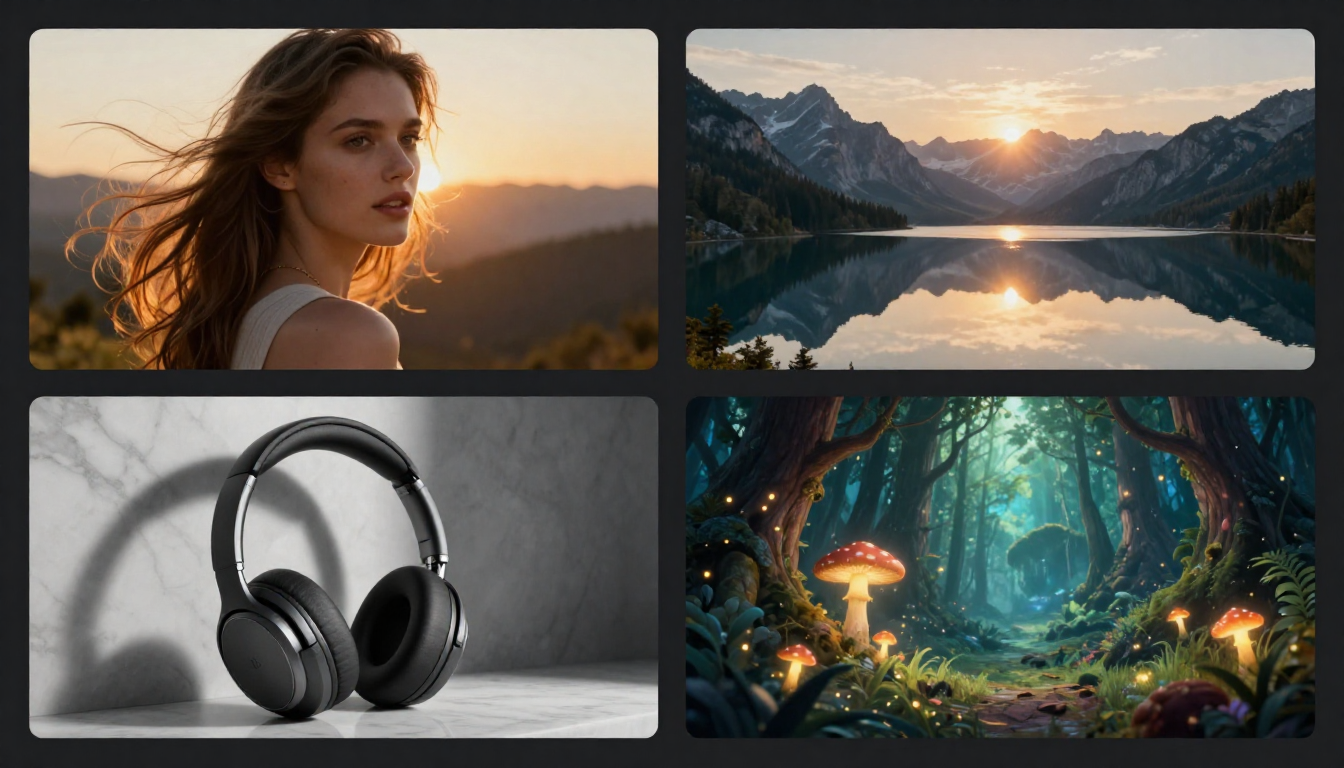
Free AI image generators in 2026 produce genuinely impressive results — these four images were all created without spending a cent.
What Makes a Great Free AI Image Generator?
Not all free tiers are created equal. Some are generous invitations to explore a platform's capabilities. Others are barely functional teasers designed to push you toward a paid plan. Here is what separates the good from the "free in name only":
Generous daily or monthly limits — A free tier that gives you 3 images total is not really free. Look for platforms that offer enough free credits for regular, meaningful use.
No crippling restrictions — Some free tiers add watermarks, limit resolution, restrict commercial use, or lock essential features behind paywalls. The best free tools give you real, usable output.
Image quality parity — Your free images should look just as good as paid images. If the free tier generates noticeably lower-quality output, the tool is not genuinely free — it is a demo.
No hidden costs — Watch for platforms that require a credit card for "free" sign-up, charge for downloads, or throttle generation speed to push upgrades.
Common "Fake Free" Traps to Avoid
- Trial periods disguised as free tiers — free for 7 days, then automatic billing
- Watermarked output — images are technically free but unusable without paying
- Resolution locks — free generates only thumbnail-size images
- Feature gates — basic generation is free but you cannot download, edit, or use commercially
Quick Comparison: Free AI Image Generators at a Glance
| Tool | Free Allowance | Watermark | Max Resolution | Commercial Use | Sign-up Required |
|---|---|---|---|---|---|
| Nano Banana 2 | Free credits | No | Full resolution | Yes | Yes (free) |
| DALL-E (ChatGPT) | ~3 images/day | No | 1024×1024+ | Yes | Yes (free) |
| Stable Diffusion | Unlimited (local) | No | Unlimited | Depends on model | No |
| Bing Image Creator | 15 boosts/day + unlimited slow | No | 1024×1024 | Limited | Microsoft account |
| Craiyon | Unlimited | Yes (free tier) | Lower quality | Limited | No |
| FLUX 2 | Via third-party free tiers | No | Varies | Check license | Varies |
| Leonardo AI | 150 tokens/day | No | Full resolution | Yes | Yes (free) |
| Canva AI | 50 uses/month (free plan) | No | Full resolution | Yes (Canva terms) | Yes (free) |
Free tier details as of February 2026. Platforms may adjust limits at any time.
1. Nano Banana 2 — Best Overall Free AI Image Generator
Nano Banana 2 is not just a free image generator — it is a free creative platform. You get access to four tools without paying anything: Text-to-Image, Image-to-Image, AI Prompt Generator, and even Video Generation.
What You Get for Free
- Text-to-Image: Generate original images from text descriptions at full quality
- Image-to-Image: Transform uploaded photos — change styles, moods, or creative direction
- Prompt Generator: AI writes optimized prompts for you — invaluable for beginners
- Video Generation: Animate your images into short AI video clips
- No watermarks on any output
- 26-language interface
- Commercial usage rights
Why It Is Our Top Pick for Free
Most free AI image generators give you one tool with limitations. Nano Banana 2 gives you an entire creative toolkit. The Prompt Generator alone saves enormous time and frustration — instead of guessing at prompt engineering, you describe what you want in plain language and the AI writes a professional-grade prompt.
The all-in-one approach means you can generate an image, transform it into a different style, and animate it as a video — all within the same platform, all for free.
When to Consider Upgrading
If you are a heavy daily user who consistently hits the free credit limit, or you need priority generation speeds for time-sensitive projects, the Pro plan offers more credits and faster processing. See the complete pricing breakdown.
Start creating free AI images now →
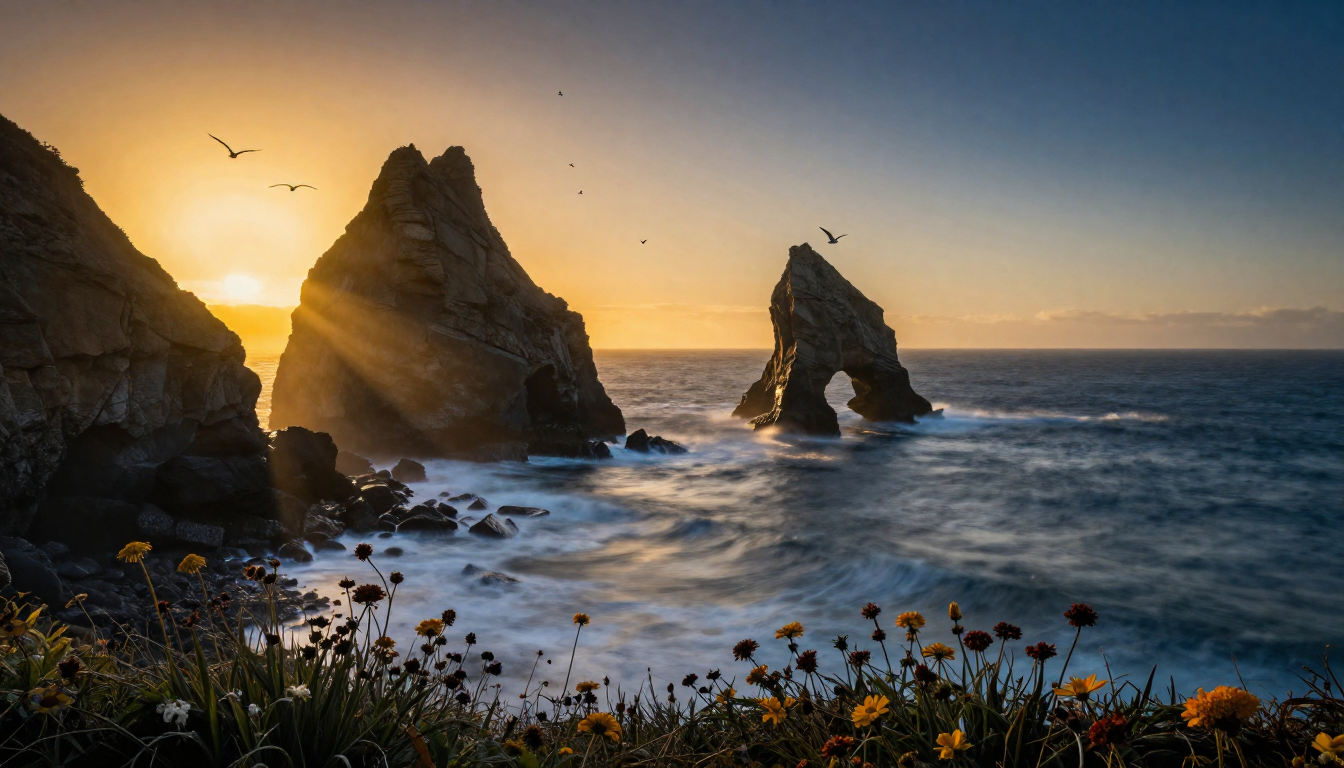
This cinematic seascape was generated entirely for free — modern free AI image generators produce genuinely professional-quality landscape photography.
2. DALL-E 3 via ChatGPT — Best Free Text-Heavy Images
If you already use ChatGPT, you already have access to one of the most capable AI image generators. OpenAI's GPT Image (the evolution of DALL-E 3) is built directly into ChatGPT, including the free tier.
What You Get for Free
- Approximately 3 image generations per day through ChatGPT Free
- Best-in-class text rendering within images
- Conversational iteration — refine images by chatting
- Commercial usage rights (with terms compliance)
- No watermarks
Strengths and Limitations
The text rendering is genuinely exceptional. If you need an image with readable text — a logo concept, a social media quote graphic, a greeting card — DALL-E / GPT Image handles this better than any competitor.
The major limitation is volume. Three images per day is enough for occasional use but not for regular creative work. If you need more, ChatGPT Plus at $20/month provides a generous allowance, but that is no longer free territory.
Best For
Users who need text within images, ChatGPT users who want occasional image generation, and anyone who prefers a conversational creative process.
3. Stable Diffusion — Best Completely Free Option
If you have a compatible GPU and some technical comfort, Stable Diffusion offers something no other option can match: completely unlimited, completely free image generation with zero restrictions.
What You Get for Free
- Unlimited image generation — no daily limits, no monthly caps
- Full resolution — generate at any size your GPU can handle
- Complete privacy — runs entirely on your local machine
- Access to thousands of community models and styles
- No watermarks, no content restrictions (model-dependent), no account required
The Trade-Off
The catch is real: you need a GPU with at least 8GB VRAM (an NVIDIA RTX 3060 or equivalent), and the setup process involves command-line tools, Python environments, and troubleshooting. This is not a "click and create" experience.
For users who are comfortable with technology, this trade-off is worth it. Once set up, you have a permanent, unlimited, private AI image generator that will never charge you a subscription fee or reduce your free tier.
Best For
Technical users with a capable GPU, developers, AI enthusiasts, and anyone who wants complete independence from cloud services and subscriptions.
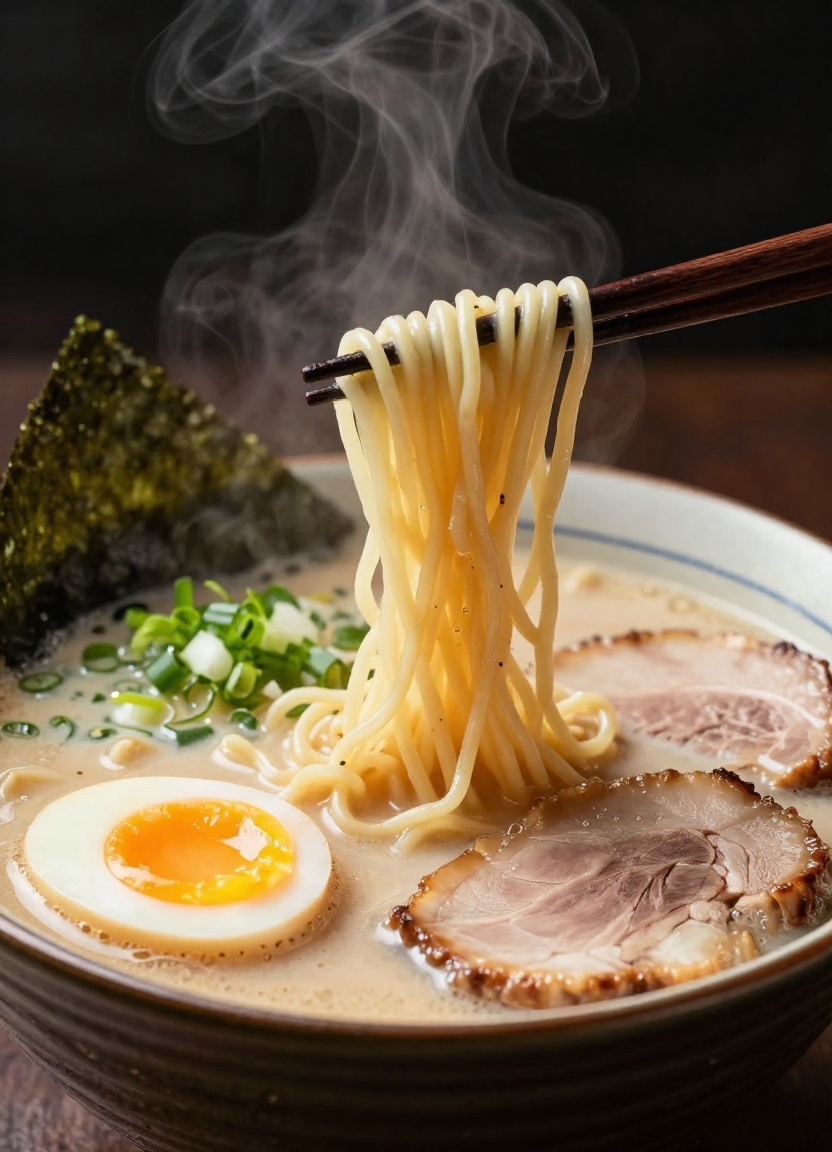
Free AI image generators can produce food photography that makes you hungry — this ramen shot was generated at zero cost with professional lighting and composition.
4. Bing Image Creator — Best No-Signup Free Option
Microsoft's Bing Image Creator, powered by DALL-E technology, offers a straightforward free image generation experience. It requires only a Microsoft account — which most people already have — and provides a clean, no-nonsense interface.
What You Get for Free
- 15 "boosts" per day for fast generation, plus unlimited slower generations
- Powered by DALL-E / GPT-4o technology (as of the August 2025 upgrade)
- No watermarks on output
- Simple web interface — no installation required
- Microsoft account login (most users already have one)
Strengths and Limitations
The convenience factor is high — if you have a Microsoft account, you can be generating images within 30 seconds. The DALL-E backbone ensures decent quality, and the 15 daily boosts plus unlimited slow generations is genuinely generous.
However, image quality and variety do not quite match the dedicated platforms. The interface is basic with limited controls, and commercial usage rights are more restrictive. It is best thought of as a quick, convenient option for personal projects.
Best For
Casual users who want quick image generation without creating new accounts, Microsoft ecosystem users, and anyone who needs occasional images for personal projects.
5. Craiyon — Best Unlimited Free Generator
Craiyon (formerly DALL-E Mini) takes a radically different approach: everything is free, and there are no generation limits. The trade-off is quality — Craiyon's outputs are noticeably lower quality than the premium tools.
What You Get for Free
- Unlimited image generation — no daily or monthly limits
- No account required — generate immediately on the website
- Multiple image variations per prompt
Strengths and Limitations
The unlimited nature is genuinely useful for brainstorming and concept exploration. You can rapid-fire through dozens of prompt variations without worrying about credit limits. However, the image quality is significantly below what Midjourney, Nano Banana 2, or DALL-E produce. Think of Craiyon as a free sketchpad, not a final production tool.
The free tier includes watermarks, and image resolution is lower than competitors. Paid plans ($6-24/month) remove watermarks and improve speed and quality.
Best For
Quick brainstorming and concept exploration, users who need volume over quality, and anyone who wants to experiment with AI image generation before committing to a more capable platform.
6. FLUX 2 — Best Free Open-Source Alternative
FLUX 2 from Black Forest Labs offers a compelling middle ground between Stable Diffusion's technical complexity and cloud-based simplicity. The "dev" and "schnell" model variants are freely available as open-weight models.
What You Get for Free
- FLUX 2 [dev] and [schnell] models — free to download and run locally
- High-quality image generation with strong character consistency
- Available through third-party free tiers (fal.ai, Replicate, etc.)
- API access for developers
Strengths and Limitations
FLUX 2 produces excellent results — in many benchmarks, it rivals Midjourney for photorealism. The character consistency feature is particularly valuable for projects requiring the same character across multiple images. The "schnell" model is optimized for speed and can generate images in seconds.
The limitation is similar to Stable Diffusion: local use requires a GPU, and cloud-based free tiers vary by provider. The "pro" model with the best quality is not free.
Best For
Developers who want a high-quality open model, creators who need character consistency, and users willing to navigate third-party hosting platforms for free access.
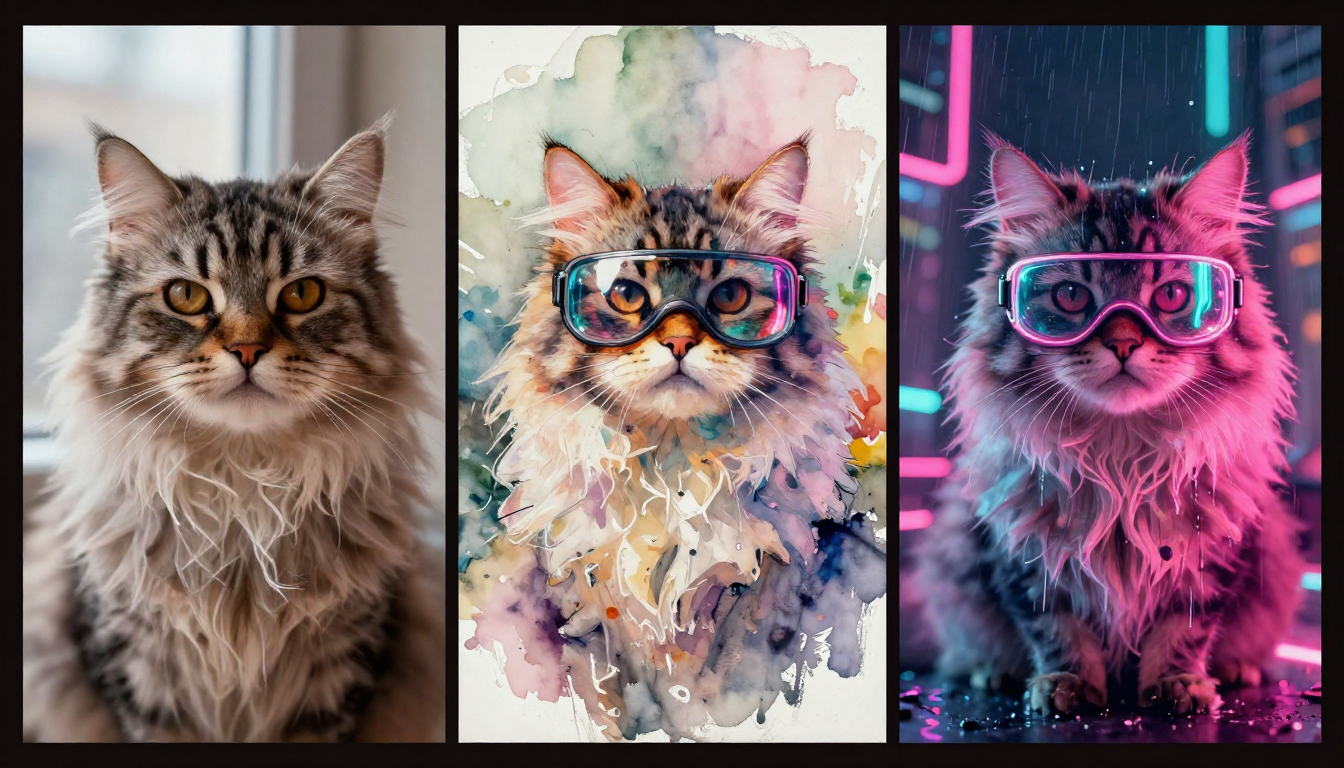
Free AI image generators let you explore endless style variations — the same subject rendered as photorealistic photography, delicate watercolor, and cyberpunk neon.
7. Leonardo AI — Best Free Professional Features
Leonardo AI stands out by offering genuinely professional features in its free tier. The 150 daily tokens provide enough for meaningful creative work, and the canvas-based editing workspace is available to free users.
What You Get for Free
- 150 tokens per day (resets daily)
- Canvas-based image editing workspace
- Multiple model options
- Commercial usage rights
- No watermarks
Strengths and Limitations
Leonardo's free tier is arguably the most feature-rich after Nano Banana 2. The 150 daily tokens translate to roughly 10-30 images depending on resolution and model, which is generous for casual use. The canvas editing workspace lets you iterate on images with inpainting and outpainting — features that most competitors lock behind paid plans.
The downside is that 150 tokens goes quickly if you are working on a project, and the token allowance has been reduced from earlier, more generous amounts. The interface also has a steeper learning curve than simpler tools.
Best For
Professional designers who want a capable free tool, users who need editing and iteration features beyond simple generation, and anyone who values fine-grained control.
8. Canva AI — Best Free Design-Integrated
Canva's AI image generation is not a standalone tool — it is part of Canva's design platform. This means generated images drop directly into professional templates for social media, presentations, marketing materials, and more.
What You Get for Free
- 50 AI image generation uses per month on the free plan
- Direct integration into Canva's design templates
- Drag-and-drop from generation to finished design
- No watermarks on output
Strengths and Limitations
If your end goal is a finished design rather than a standalone image, Canva's integration is unbeatable. Generate an image, drop it into a social media template, add text and branding, and export — all in one workflow.
The limitation is that the AI generation itself is not as capable as dedicated platforms. Image quality and prompt control lag behind Midjourney, Nano Banana 2, or DALL-E. The 50 monthly uses are also restrictive for regular creators.
Best For
Non-designers who need finished marketing materials, social media managers, and anyone who values design integration over raw image generation quality.
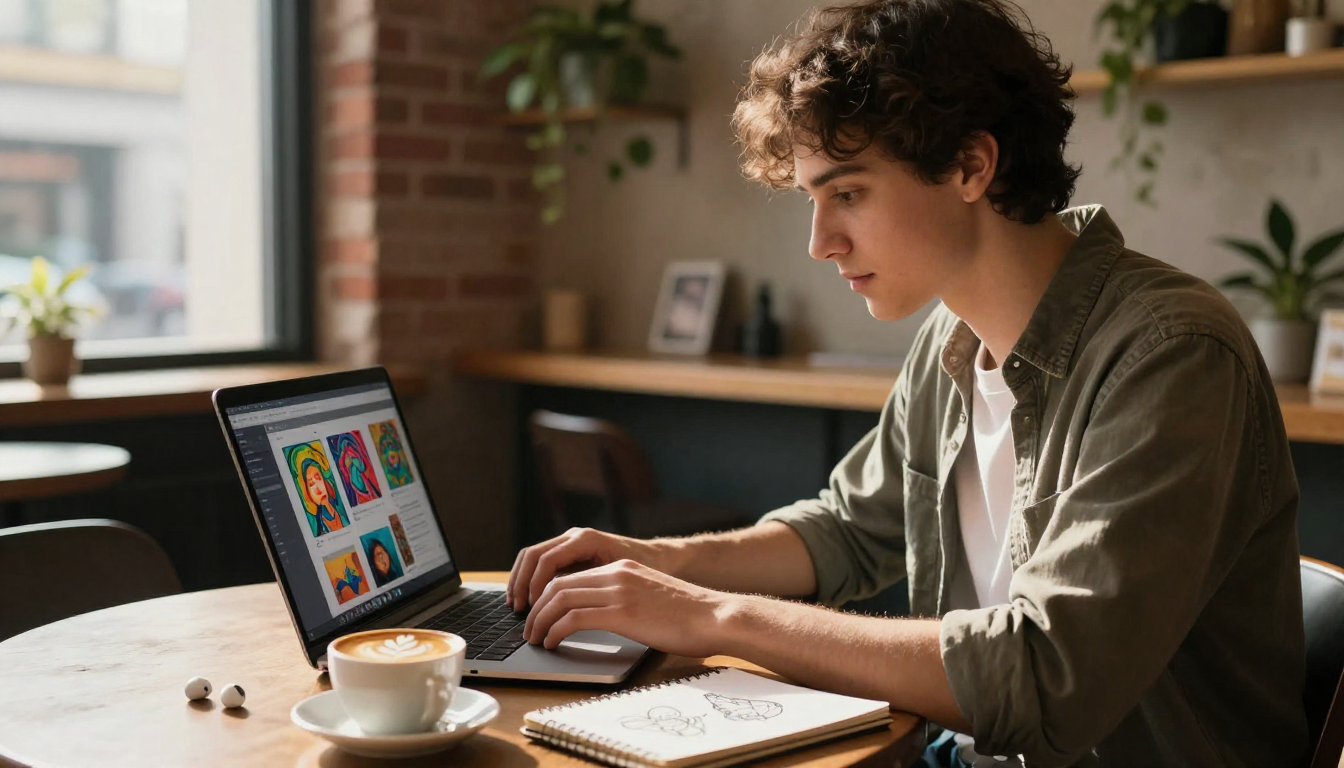
Free AI image generators have made professional visual creation accessible to everyone — all you need is a laptop and an idea.
Free vs Paid: When Should You Upgrade?
Free tiers are powerful, but they have limits. Here is when upgrading makes sense — and when it does not.
You Should Upgrade When:
- You consistently hit your daily or monthly free limit — If you are generating 20+ images daily, a paid plan is more efficient than juggling multiple free accounts
- You need priority speed — Free tiers often have slower generation times or queue priority
- You need commercial volume — Large-scale content production (e-commerce catalogs, marketing campaigns) requires paid-tier throughput
- You need specific premium features — Custom model training, high-resolution upscaling, or advanced editing tools
You Do Not Need to Upgrade When:
- You generate images occasionally — A few images per week is well within most free tiers
- You are learning and experimenting — Free tiers are perfect for building prompt skills and exploring AI art
- You have personal, non-commercial projects — A hobby photographer or digital artist can produce amazing work entirely for free
- You can use multiple free tools — Combining Nano Banana 2's free credits with DALL-E's 3/day via ChatGPT gives you a solid daily workflow
For a detailed analysis of when free stops being enough, see our Free vs Pro comparison guide.
How to Maximize Your Free Credits
Getting the most out of free AI image generators requires strategy. Here are actionable tips:
1. Use a Prompt Generator to Reduce Trial and Error
The biggest waste of free credits is re-generating images because your prompt was unclear. Use Nano Banana 2's Prompt Generator to write optimized prompts before you generate — this dramatically reduces wasted generations.
2. Preview at Lower Resolution First
If your platform supports it, generate a quick low-resolution preview to check composition and concept before spending credits on a full-quality image.
3. Save Your Best Prompts
Build a personal library of prompts that work well. When you find a prompt structure that consistently produces great results, save it and reuse it with variations. This eliminates the costly discovery phase.
4. Combine Multiple Free Tools
No rule says you must use only one tool. Use Nano Banana 2 for your primary creation workflow, DALL-E via ChatGPT when you need text in images, and Stable Diffusion for unlimited experimentation if you have a GPU.
5. Know Each Tool's Strength
Do not waste your Nano Banana 2 credits on something DALL-E does better (text rendering), and do not waste your ChatGPT image generations on something Nano Banana 2 handles more efficiently (style variations, batch creation).
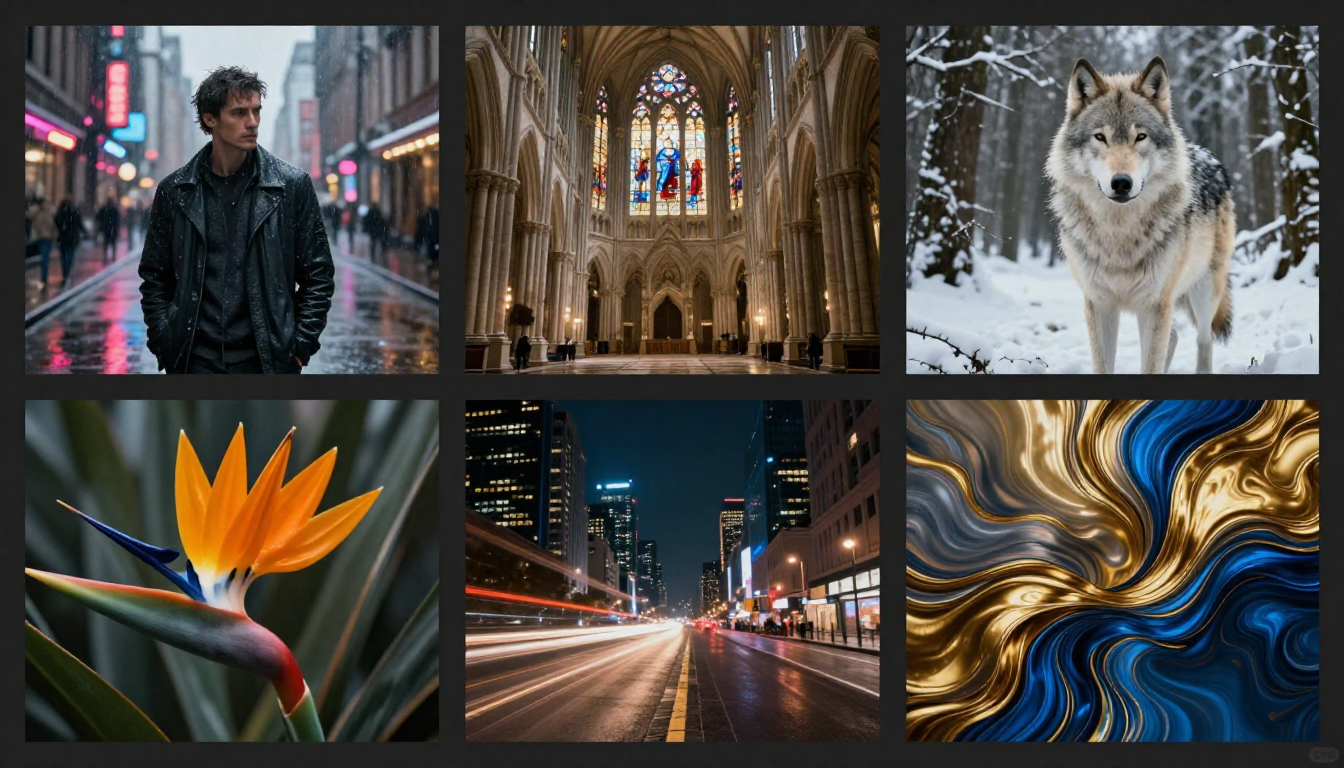
From street photography to abstract art — this entire gallery was created for free, demonstrating the remarkable range of no-cost AI image generation in 2026.
Frequently Asked Questions
Is there a completely free AI image generator?
Yes — several. Stable Diffusion is completely free and unlimited if you run it locally (requires a GPU). Craiyon offers unlimited free generations (lower quality, with watermarks). Nano Banana 2 provides free credits for high-quality generation with no watermarks. Each option involves a different trade-off between quality, convenience, and volume.
Which free AI image generator has the best quality?
Nano Banana 2 offers the best quality-to-price ratio in the free tier — full-resolution images with no watermarks and no quality reduction compared to paid plans. DALL-E via ChatGPT also produces excellent quality in its ~3 free daily generations. For unlimited highest quality, Stable Diffusion (local) with the right model and settings matches or exceeds most paid platforms.
Can I use free AI-generated images for commercial purposes?
Most free tools allow commercial use with some terms: Nano Banana 2 (yes), DALL-E via ChatGPT (yes, with terms), Leonardo AI (yes). Stable Diffusion depends on the model license — check the specific model card. Craiyon has more restrictive commercial terms. Always review the terms of service for your specific use case.
Do free AI image generators add watermarks?
Most quality platforms do not watermark free output: Nano Banana 2, DALL-E / ChatGPT, Leonardo AI, and Bing Image Creator all provide watermark-free images on their free tiers. Craiyon adds watermarks on its free plan (removed with paid subscription).
What is the best free AI image generator without sign up?
Craiyon requires no sign-up at all — you can generate images immediately on their website. Stable Diffusion requires no account when run locally. Most other tools require a free account to generate images, though the sign-up process is typically quick and only requires an email.
How many free images can I generate per day?
It varies by platform: Stable Diffusion (unlimited, local), Craiyon (unlimited, lower quality), Bing Image Creator (15 fast + unlimited slow), Leonardo AI (~10-30 with 150 tokens/day), DALL-E via ChatGPT (~3/day), Nano Banana 2 (varies by credit allocation). See the comparison table above for current limits.
Is Nano Banana 2 really free?
Yes. Nano Banana 2 provides free credits when you sign up — no credit card required, no trial period, no automatic billing. You get access to Text-to-Image, Image-to-Image, and the Prompt Generator. The free credits allow you to create real, full-quality images. Pro plans are available if you need higher volume, but the free tier is genuinely functional, not a teaser.
What is the catch with free AI image generators?
The "catch" varies. Volume limits are the most common — free tiers generate fewer images per day or month. Speed throttling is another — free users may wait longer in queues. Feature restrictions appear on some platforms — free users cannot access all models or editing tools. However, platforms like Nano Banana 2 and Stable Diffusion offer remarkably generous free experiences with minimal catches.
Start Creating Free AI Images Now
Every tool on this list offers some path to free image generation. But if you want the smoothest experience — high quality, no watermarks, multiple tools, instant access — start with Nano Banana 2.
Create your first AI image for free → — No credit card, no watermarks, no surprises.
Let AI write your perfect prompt → — The Prompt Generator takes the guesswork out of prompt engineering.
See the full comparison of all 8 tools → — Detailed breakdown including paid options and advanced features.
Explore what you can create for free → — Real examples of free AI image generation across 10 creative categories.