TL;DR
Text-to-image AI transforms written descriptions into visual images using diffusion models that "sculpt" images from noise. In 2026, the technology produces photorealistic results indistinguishable from professional photography. The key to great results is prompt engineering — describing your vision with specific details about subject, lighting, style, and composition. The best tools include Midjourney (artistic quality), Nano Banana 2 (free all-in-one with Prompt Generator), and DALL-E (text rendering). This guide explains how it works, how to write effective prompts, and which tools to use.
Try text-to-image for free → | Let AI write your prompt → | See examples →
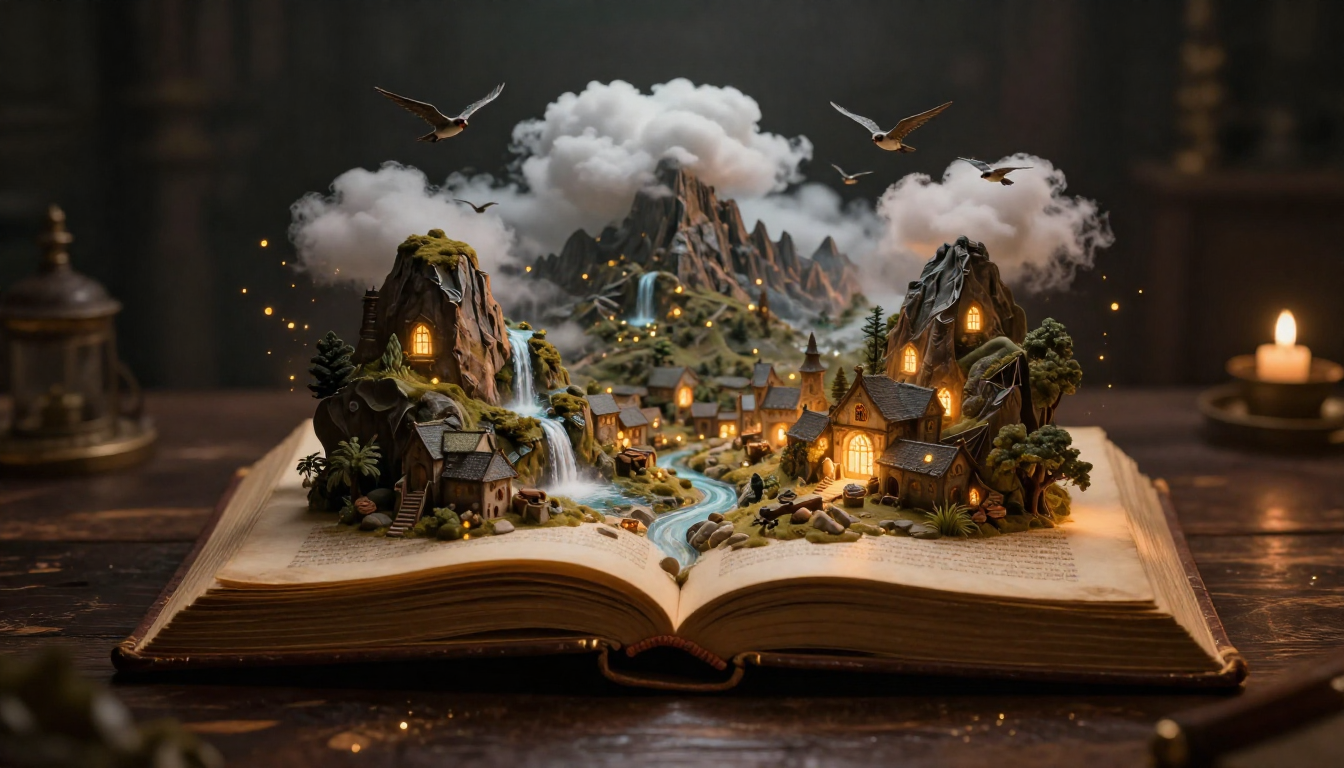
Text-to-image AI turns written descriptions into visual reality — from a few words, entire worlds can be created.
What Is Text to Image AI?
Text-to-image AI is a technology that generates images from written text descriptions. You type a description — "a golden retriever sitting in a sunlit meadow at sunset" — and the AI creates a completely new image matching that description. The image has never existed before. It is not a search result, not a collage of existing photos, but a novel visual creation generated from mathematical patterns learned from millions of images.
The technology has progressed from producing blurry, barely recognizable shapes in 2020 to generating images in 2026 that professional photographers genuinely mistake for real photographs. This progression represents one of the fastest capability improvements in the history of computing.
A Brief History
The text-to-image journey moved through three major technological eras:
GANs (2014-2021) — Generative Adversarial Networks were the first models to produce convincing AI images, but they were limited to specific categories (faces, landscapes) and could not handle arbitrary text prompts well.
Diffusion Models (2021-2024) — The breakthrough. Models like DALL-E 2, Stable Diffusion, and Midjourney introduced the diffusion approach, which produced dramatically better results across any subject or style. These models could handle complex, creative text prompts.
Transformer-Enhanced Diffusion (2024-present) — Current models combine diffusion with transformer architectures (the same technology behind GPT). This fusion produces images with unprecedented quality, prompt accuracy, and coherence. Models like DALL-E 3/GPT Image, Midjourney v7, FLUX 2, and the engines powering Nano Banana 2 represent this generation.
Where We Stand in 2026
Today's text-to-image AI produces:
- Photorealistic portraits with visible skin pores, individual hair strands, and natural lighting
- Product photography that rivals professional studio shoots
- Artistic illustrations across every style from oil painting to anime
- Architectural visualizations with accurate perspective and materials
- Fantasy and concept art that pushes creative boundaries
The technology is no longer a novelty. It is a professional tool used daily by designers, marketers, content creators, and artists worldwide.
How Does Text to Image AI Work?
Understanding how text-to-image AI works helps you write better prompts and get better results. Here is the core process, explained without excessive jargon.
The Diffusion Model Explained
Modern text-to-image AI is primarily based on diffusion models. The concept is elegant:
Training phase: The model learns by studying millions of image-text pairs. It learns not just what objects look like, but how light behaves, how textures work, how compositions create mood, and how different art styles feel.
Forward diffusion (adding noise): Take a real image and progressively add random noise until it becomes pure static — like TV snow. The model learns what each step of this degradation looks like.
Reverse diffusion (creating images): The magic happens in reverse. Starting from pure random noise, the model progressively removes noise step by step, guided by your text prompt. Each step makes the image slightly clearer, more detailed, and more aligned with your description.
Think of it like a sculptor working with marble. The "marble block" is random noise. Your text prompt is the blueprint. The AI chips away noise bit by bit, revealing the image hidden within the randomness.
The Role of Text Encoding
When you type a prompt, it does not go directly to the image generator. First, a text encoder (typically CLIP or T5) converts your words into a mathematical representation — a list of numbers that capture the meaning, relationships, and nuances of your description.
This is why prompt specificity matters. "A woman" produces a generic result because the mathematical representation is vague. "A 25-year-old woman with curly auburn hair wearing a green linen dress, standing in a sunlit olive grove in Tuscany" produces a specific, detailed result because the math captures far more information.
This also explains why English prompts often produce better results — the text encoders are primarily trained on English text, so they understand English nuances more precisely. Platforms like Nano Banana 2 work around this by supporting 26 languages in the interface, allowing the system to handle translation and optimization internally.
Latent Space: Where the Magic Happens
To save computational resources, modern models do not work directly with full-resolution images. Instead, they operate in latent space — a compressed mathematical representation of images.
Think of latent space as a shorthand. Instead of manipulating millions of individual pixels, the model manipulates a compact mathematical code that represents the image. Once the generation is complete, a decoder expands this compact code back into a full-resolution image.
This is also why the same prompt produces different images each time. The starting point (random noise) is different each generation, leading to different paths through latent space — and therefore different final images. It is not a bug; it is creative variation.
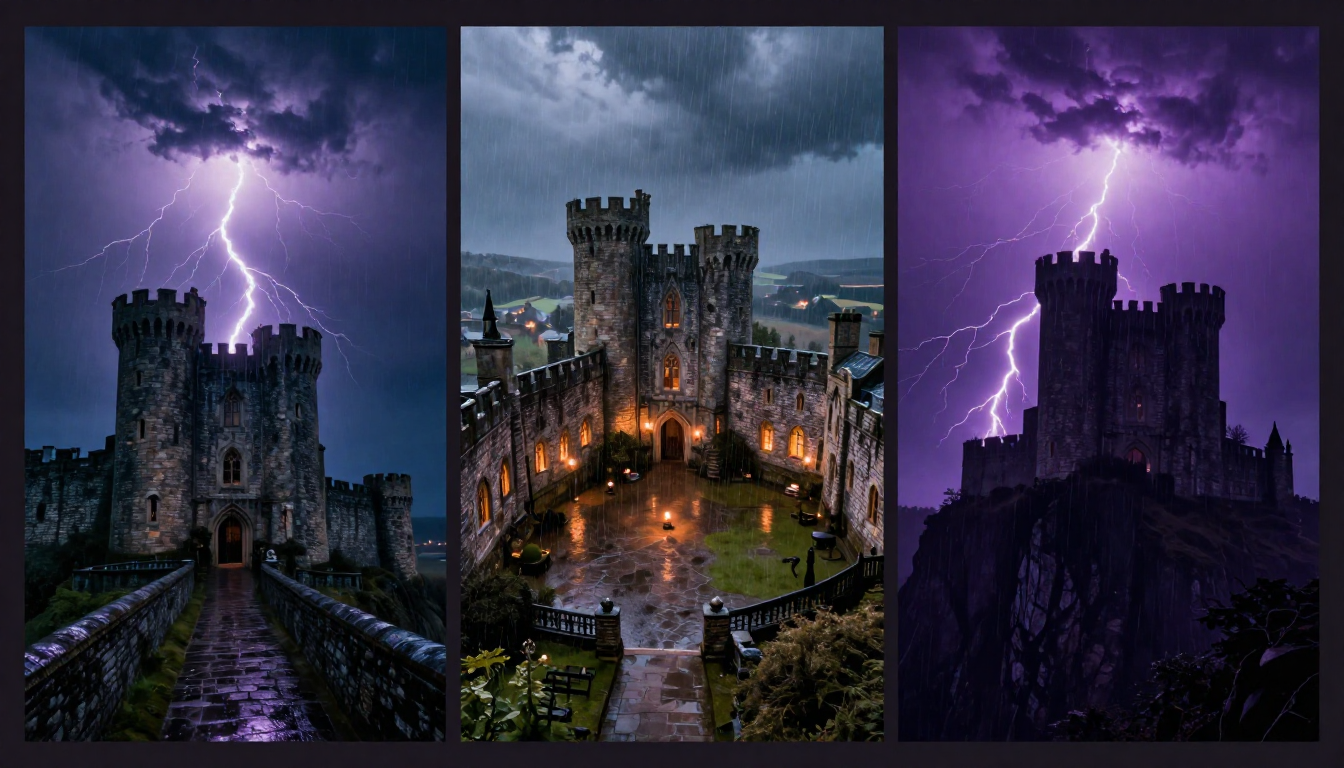
The same prompt, three different results — AI text-to-image models produce unique interpretations each time, offering creative variety from a single description.
How to Write Perfect Text-to-Image Prompts
The quality of your output is directly proportional to the quality of your prompt. A mediocre prompt produces a mediocre image, regardless of how powerful the AI model is. Here is how to write prompts that consistently produce stunning results.
The Anatomy of a Great Prompt
Every effective prompt contains these elements:
[Subject] + [Style/Medium] + [Lighting] + [Color/Mood] + [Composition/Camera] + [Quality Modifiers]Example: "A 30-year-old woman with braided black hair, wearing a flowing red dress, standing on a cliff overlooking the ocean. Oil painting style with visible brushstrokes. Golden hour backlighting with warm amber tones. Wide-angle composition from a low angle. Ultra-detailed, 4K, dramatic."
10 Prompt Writing Tips That Actually Work
1. Be Specific About Your Subject
Do not write: "a woman" Write: "a 25-year-old East Asian woman with short bob-cut black hair, wearing round gold-rimmed glasses and a navy turtleneck"
Specificity gives the AI enough information to create a vivid, intentional image rather than defaulting to a generic average.
2. Specify Lighting Conditions
Lighting is what separates amateur photos from professional ones. The same applies to AI images.
- Golden hour — warm, long shadows, romantic
- Blue hour — cool, twilight tones, contemplative
- Rembrandt lighting — dramatic triangle of light on the face
- Neon glow — urban, cyberpunk, colorful
- Studio lighting — clean, professional, commercial
- Backlighting — silhouettes, rim light, dramatic edges
3. Choose an Artistic Style
AI models can replicate virtually any visual style. Be explicit:
- Photorealistic, cinematic photography
- Oil painting with visible brushstrokes
- Watercolor with soft washes and paper texture
- Japanese anime, Studio Ghibli style
- Pixel art, retro game aesthetic
- Minimalist vector illustration
4. Control Composition
Camera language works in AI prompts:
- Close-up — intimate, detailed
- Wide angle — expansive, environmental
- Bird's eye view — top-down perspective
- Low angle — powerful, imposing
- Dutch angle — tension, unease
- Telephoto compression — flattened depth, dreamy
5. Add Atmosphere and Mood
Abstract mood words genuinely affect output:
- Moody, ethereal, dramatic, serene, ominous, playful, melancholic, vibrant, nostalgic
6. Use Photography Terms
AI models understand camera terminology:
- Bokeh, shallow depth of field, f/1.4
- Film grain, Kodak Portra color science
- Long exposure, motion blur, light trails
- Macro photography, tilt-shift effect
7. Describe What You Want, Not What You Do Not Want
Negative language ("no ugly background") is less effective than positive language ("clean minimalist white background"). Most AI models interpret "ugly" and may include elements of ugliness while trying to negate them.
8. Control Color Palette
- Warm tones, amber and gold
- Cool tones, blue and silver
- Pastel palette, soft muted colors
- High contrast, deep blacks and bright highlights
- Monochromatic, single-color scheme
9. Reference Real-World Styles
Reference recognizable aesthetic languages:
- "In the style of Studio Ghibli"
- "Wes Anderson color palette"
- "Dark academia aesthetic"
- "Vaporwave aesthetic"
10. Iterate and Refine
Your first prompt is a draft. Generate, evaluate what worked and what did not, then refine. Version 3 of your prompt will almost always produce dramatically better results than version 1.
Tip: If prompt writing feels overwhelming, use Nano Banana 2's Prompt Generator. Describe your vision in plain language — "I want a dramatic portrait of a lighthouse keeper in a storm" — and the AI writes an optimized prompt for you.
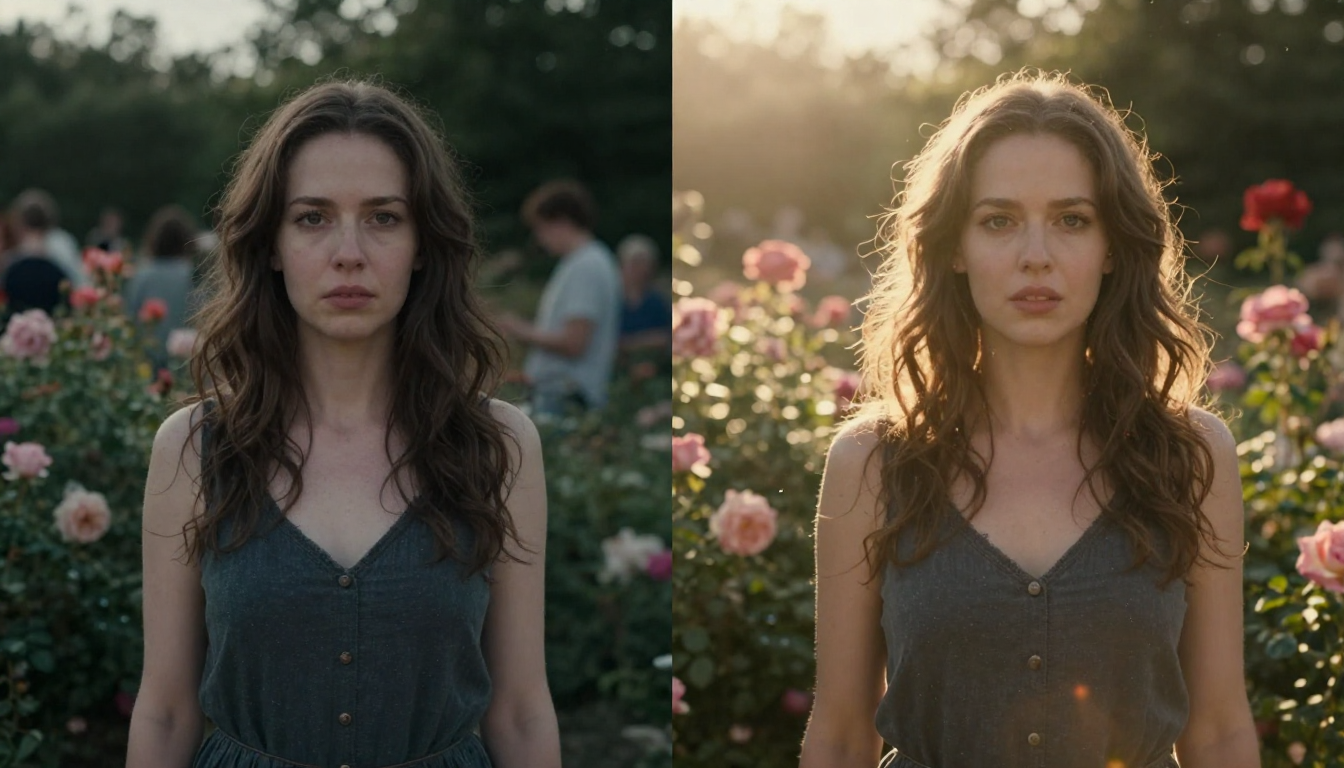
The difference between a basic prompt and an optimized prompt is dramatic — specific lighting, composition, and style instructions transform a flat result into a cinematic image.
Text to Image AI: Best Tools in 2026
The text-to-image landscape in 2026 offers excellent options at every price point. Here is a quick guide to choosing the right tool — for a comprehensive comparison, see our Best AI Image Generators 2026 guide.
| Tool | Best For | Free Option | Starting Price |
|---|---|---|---|
| Nano Banana 2 | Free all-in-one + Prompt Generator | Yes (free credits) | Free |
| Midjourney | Artistic quality | No | $10/month |
| DALL-E / GPT Image | Text rendering in images | ~3/day (ChatGPT) | $20/month |
| Stable Diffusion | Unlimited free (local GPU) | Yes (fully free) | Free |
| FLUX 2 | Character consistency | Via third parties | Varies |
Why Nano Banana 2 Excels for Text-to-Image
Nano Banana 2 is designed specifically for the text-to-image workflow:
- Prompt Generator eliminates the prompt writing struggle — describe your idea in plain language and get an optimized prompt
- Text-to-Image generates high-quality images from those prompts
- Image-to-Image lets you refine and transform results
- All three tools work together seamlessly in one platform
The Prompt Generator is the key differentiator for beginners. Instead of studying prompt engineering for hours, you simply describe what you want — "a cozy coffee shop interior with morning light" — and the AI writes a detailed, optimized prompt that produces professional results on the first try.
Try the complete text-to-image workflow for free →
5 Creative Text-to-Image Projects to Try
Ready to put your prompt skills to work? Here are five project ideas with example prompts to get you started.
Project 1: Cinematic Portrait Photography
Create studio-quality portraits without a camera, model, or studio.
Try this prompt: "Cinematic close-up portrait of a lighthouse keeper on a stormy night, face illuminated by a flash of lightning, deep wrinkles and salt-pepper beard, rain streaming down weatherproof jacket, massive storm waves crashing against lighthouse base far below, extreme dramatic chiaroscuro lighting, 4K cinematic quality"
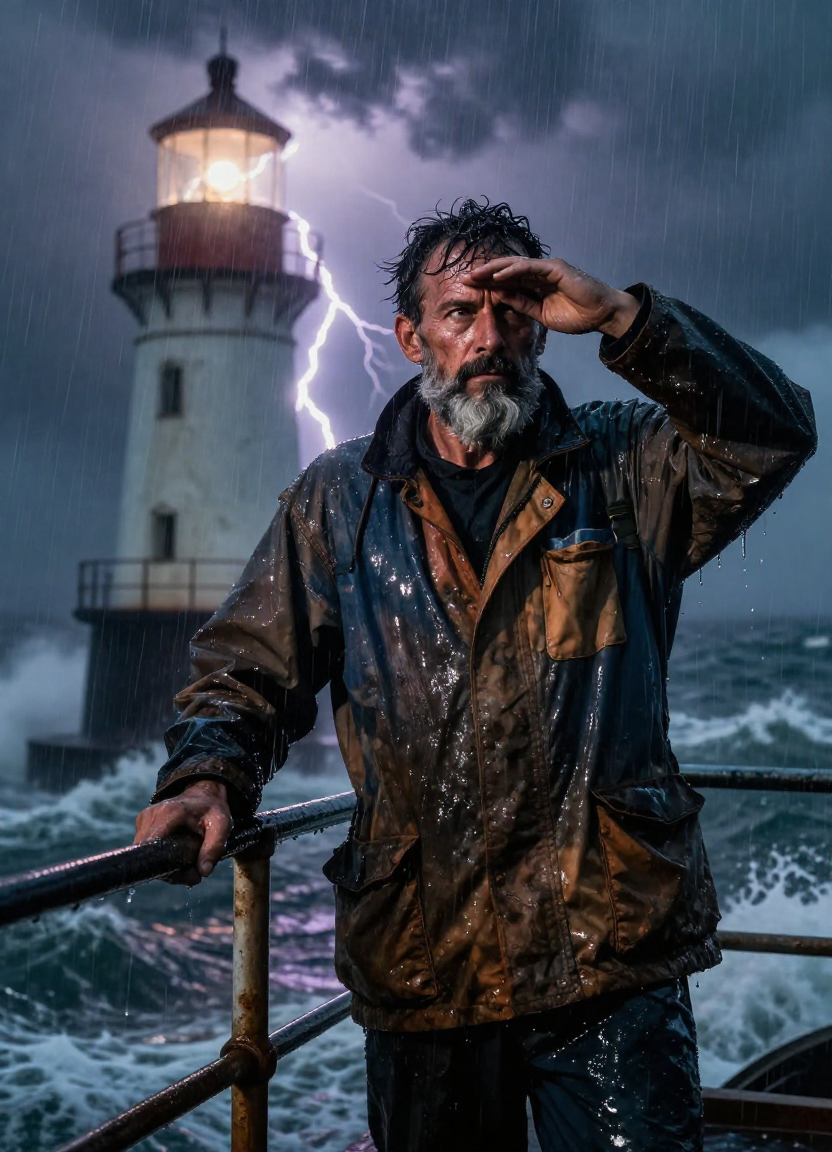
AI text-to-image can create portraits with emotional depth and dramatic lighting that would require an entire film crew to photograph in real life.
Project 2: Fantasy World Building
Design entire worlds that exist only in your imagination — then bring them to visual life.
Try this prompt: "Breathtaking underwater fantasy city beneath a transparent dome, coral-encrusted Art Nouveau buildings, bioluminescent jellyfish floating like lanterns casting pink and blue light, sunlight piercing through ocean surface in volumetric beams, tropical reef life everywhere, grand coral palace with glowing windows, 4K cinematic quality"
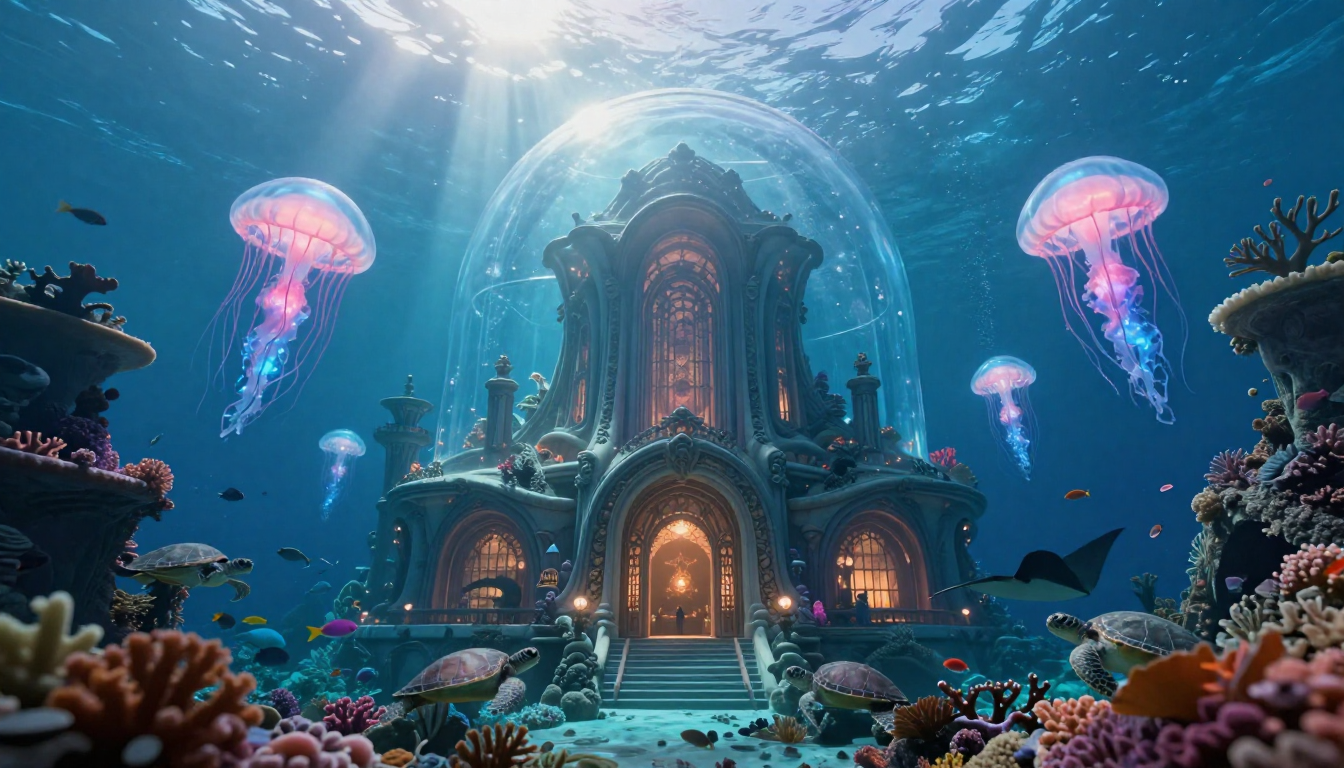
Fantasy world building through text-to-image AI — describe an impossible world in words and watch it materialize as a photorealistic scene.
Project 3: Product Concept Design
Visualize product concepts before manufacturing — test designs, colors, and presentations.
Try this prompt: "Futuristic concept sneaker floating in mid-air against pure dark background, liquid mercury metallic finish shifting between silver and iridescent blue, tiny particle effects swirling around it, single dramatic spotlight from above, translucent crystalline sole glowing faintly cyan, hyper-clean product visualization"
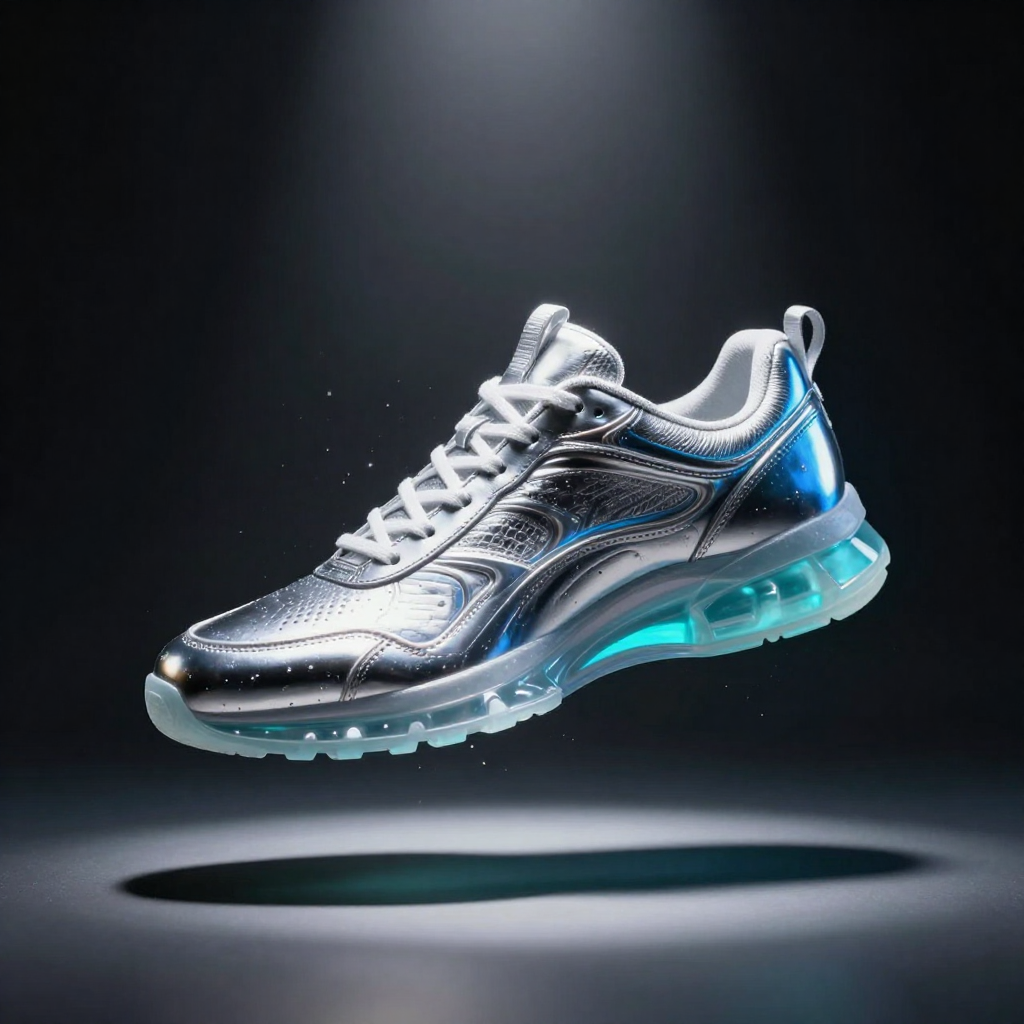
Product designers use text-to-image AI to rapidly visualize concepts — test materials, colors, and compositions without 3D modeling software.
Project 4: Interior Design Visualization
Help clients (or yourself) visualize room designs before committing to furniture and paint.
Try this prompt: "Luxurious minimalist Scandinavian living room, floor-to-ceiling windows overlooking a snowy mountain lake, warm oak wood floors, cream linen sofa with cashmere throw, single large abstract painting on white wall, brass floor lamp, morning light streaming through sheers, warm hygge atmosphere, architectural photography"
Project 5: Abstract Art and Creative Expression
Push the boundaries of what is visually possible with prompts that describe feelings and abstract concepts.
Try this prompt: "Abstract representation of the passage of time, golden clock mechanisms dissolving into flowing watercolor rivers, hourglass sand transforming into stardust, warm amber to cool blue gradient, ethereal and contemplative mood, high-resolution fine art print quality"
Text to Image AI Limitations and Ethical Considerations
Text-to-image AI is powerful, but it is not perfect. Being aware of current limitations helps you work more effectively and responsibly.
Current Technical Limitations
Hands and fingers — While dramatically improved from 2023, AI still occasionally generates hands with incorrect finger counts or unnatural poses. Close-up hand images require extra prompting care.
Text rendering — Most models struggle to generate readable text within images. DALL-E / GPT Image is the notable exception. If you need text in your images, either use DALL-E or add text in post-production.
Precise counting — Asking for "exactly 7 birds" often produces approximately 7 birds. AI handles "some" and "many" better than exact quantities.
Spatial relationships — Complex spatial instructions ("the red ball is behind the blue box, which is to the left of the green cylinder") can be unreliable. Simple spatial prompts work; complex ones may not.
Copyright and Legal Considerations
The legal landscape around AI-generated images is evolving:
- In the US, purely AI-generated images generally cannot receive copyright protection, but images with significant human creative input may qualify
- Adobe Firefly offers IP indemnity for commercial use — a model other platforms may adopt
- Training data concerns are ongoing as artists and companies debate fair use of copyrighted images in AI training
- Disclosure requirements are emerging in some contexts — certain platforms and use cases require labeling AI-generated content
Important: This is informational context, not legal advice. Consult a legal professional for guidance on your specific commercial use case.
Responsible Use
- Use AI image generation as a creative tool, not to deceive or manipulate
- Be thoughtful about generating images of real people without their consent
- Consider potential biases in AI models and actively work to create diverse, representative imagery
- Credit AI generation when appropriate, especially in professional and journalistic contexts
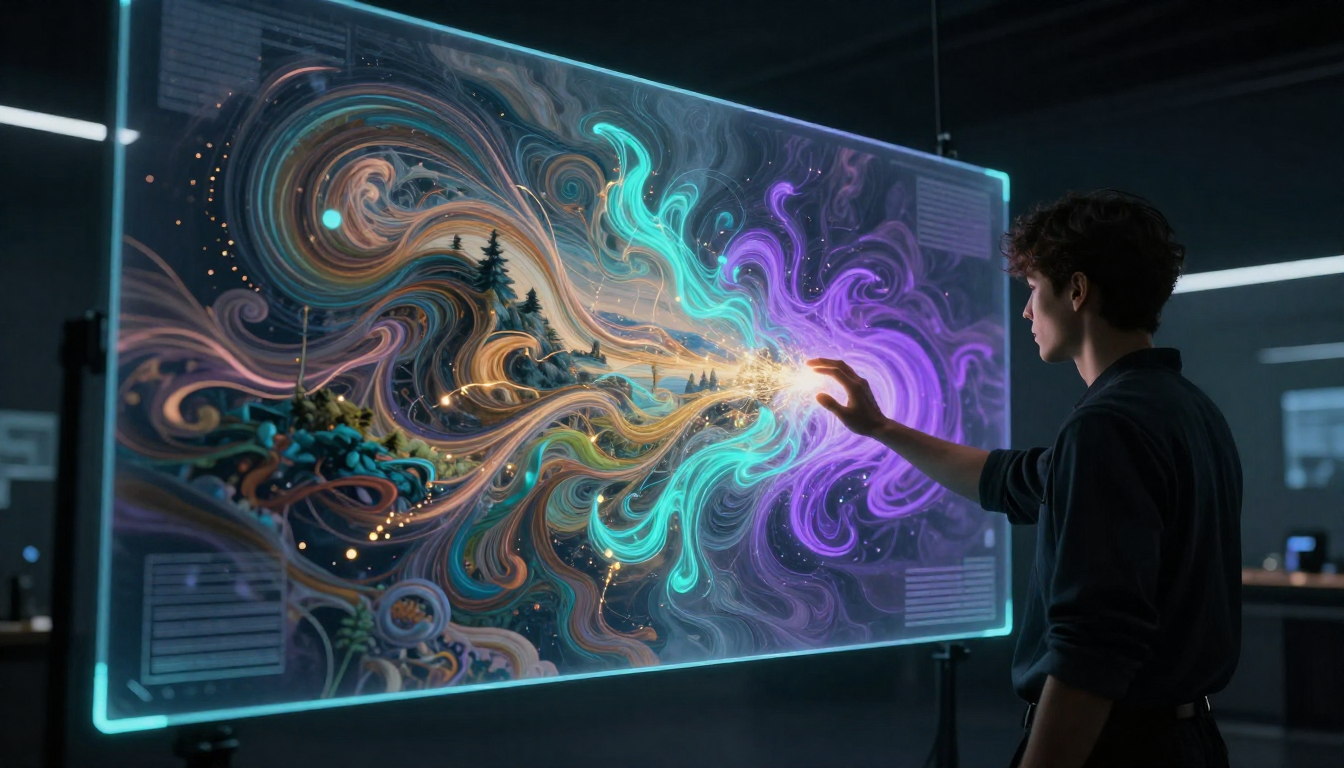
Text-to-image AI is a creative partnership — the technology handles visual execution while you provide the creative vision, direction, and intent.
Frequently Asked Questions
What is text to image AI?
Text-to-image AI is technology that generates visual images from written text descriptions. You type a description of what you want to see — a landscape, a portrait, a product shot, an abstract concept — and the AI creates a completely new image matching your description. The technology is powered by diffusion models that learn from millions of image-text pairs.
How does text to image AI work?
Modern text-to-image AI uses diffusion models. Your text prompt is first converted into a mathematical representation by a text encoder. The model then starts with random noise and progressively refines it, step by step, guided by your text representation, until a clear image emerges. Each denoising step makes the image more detailed and more aligned with your description.
What is the best text to image AI tool?
It depends on your needs. Nano Banana 2 is the best free all-in-one option with a built-in Prompt Generator that helps beginners write effective prompts. Midjourney produces the highest artistic quality. DALL-E / GPT Image is best for images containing text. Stable Diffusion is best for unlimited free use with full customization. See our complete comparison.
Is text to image AI free?
Yes — several high-quality text-to-image tools are available for free. Nano Banana 2 provides free credits with no credit card required. Stable Diffusion is completely free (requires a local GPU). DALL-E via ChatGPT offers about 3 free images daily. For a full breakdown, see our free AI image generator guide.
How do I write a good text to image prompt?
A good prompt includes: (1) a specific subject description, (2) an artistic style or medium, (3) lighting conditions, (4) color palette or mood, (5) composition or camera angle, and (6) quality modifiers. Be descriptive, be specific, and iterate. Or use Nano Banana 2's Prompt Generator to have AI write optimized prompts for you automatically.
Can text to image AI create photorealistic images?
Absolutely. In 2026, top text-to-image AI tools produce images that are virtually indistinguishable from professional photography. The key is using specific photographic prompts — mention camera type, lens, lighting setup, and film stock for the most realistic results.
Are text to image AI images copyrighted?
The legal status of AI-generated images is still evolving. In the US, purely AI-generated images generally do not receive copyright protection, but images involving significant human creative decisions may qualify. For commercial projects requiring legal certainty, Adobe Firefly offers IP indemnity. This is not legal advice — consult a legal professional for your specific situation.
What are the limitations of text to image AI?
Current limitations include occasional issues with hand anatomy, difficulty rendering readable text within images (except DALL-E), challenges with precise counting, and complex spatial relationships. The technology improves rapidly — many limitations from even a year ago have been resolved.
Start Creating with Text to Image AI
Text-to-image AI is not just a technology demo — it is a production-ready creative tool. Whether you are a professional designer, a content creator, a small business owner, or simply someone with ideas you want to visualize, the tools are accessible, capable, and often free.
The fastest path to your first great AI image:
Try text-to-image for free with Nano Banana 2 → — Generate your first image in under a minute.
Let AI write your prompt → — Skip the prompt learning curve. Describe what you want, get an optimized prompt.
See what is possible → — Explore 10 categories of stunning AI-generated images.
Learn how to use Nano Banana 2 step by step → — Complete beginner's guide from first prompt to finished image.